EasyManua.ls Logo

Electrolux W475H - Page 34

Electrolux W475H
76 pages
Print Icon
To Next Page IconTo Next Page
To Previous Page IconTo Previous Page
Loading...
34






























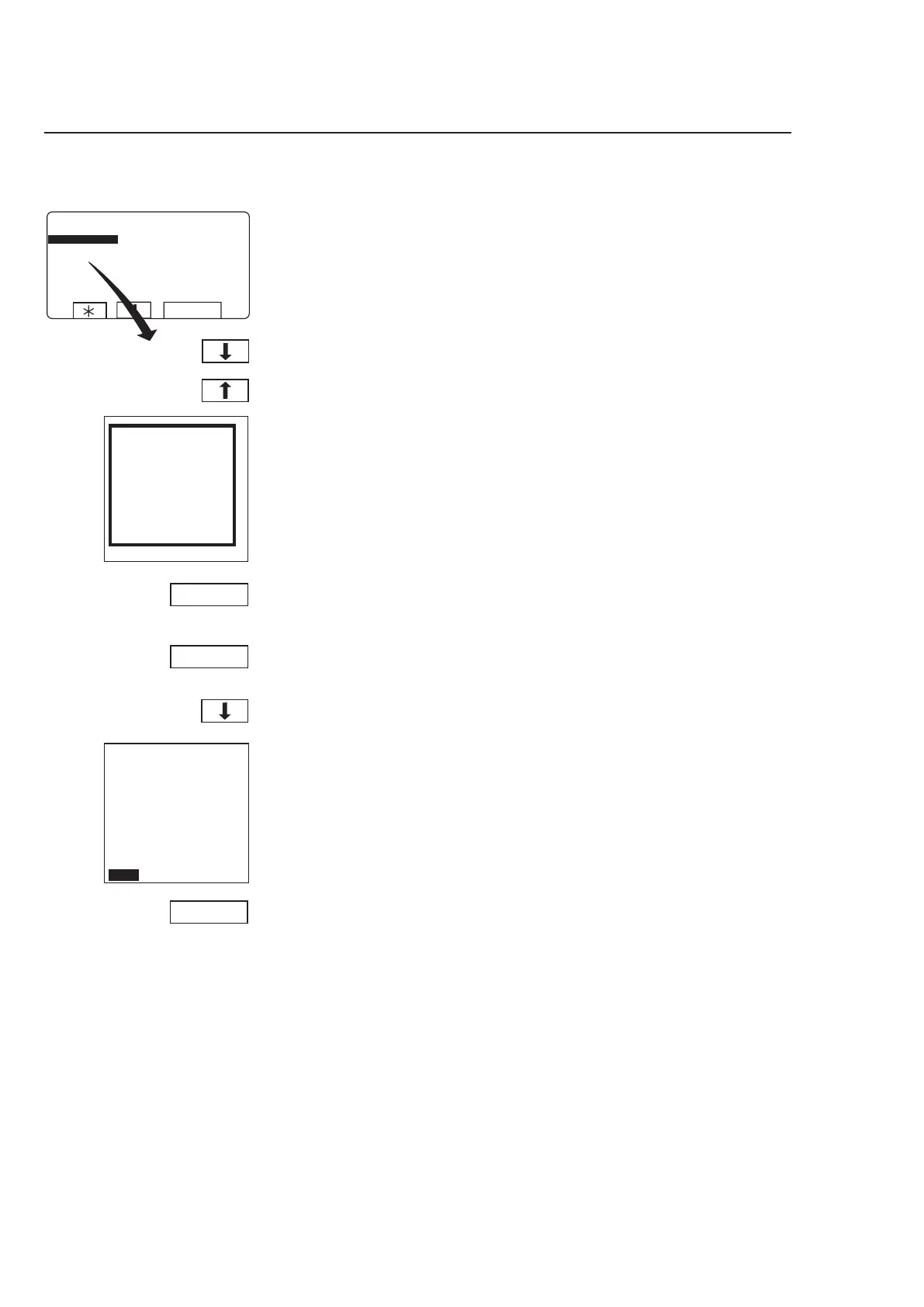
Procedure for use
Water/drain
To access this function, see
instructions in section ”To
select manual operation”.
When you have finished:
Press
b to highlight
”EXIT”.
Water filling:
Press OPEN.
The function will be activated
for as long as you press and
hold this key. The function
ceases as soon as you re-
lease the key.
Drain (a toggle function) :
Press Y/N to toggle the
function from Yes (Y) and
No (N).
Use
b or c to select
Drain or one of the six Wa
-
ter filling alternatives.
3688
Press SELECT.


Other manuals for Electrolux W475H

Related product manuals