EasyManua.ls Logo

Electrolux W475H - Page 64

Electrolux W475H
76 pages
Print Icon
To Next Page IconTo Next Page
To Previous Page IconTo Previous Page
Loading...
64
Procedure for use
4114 A
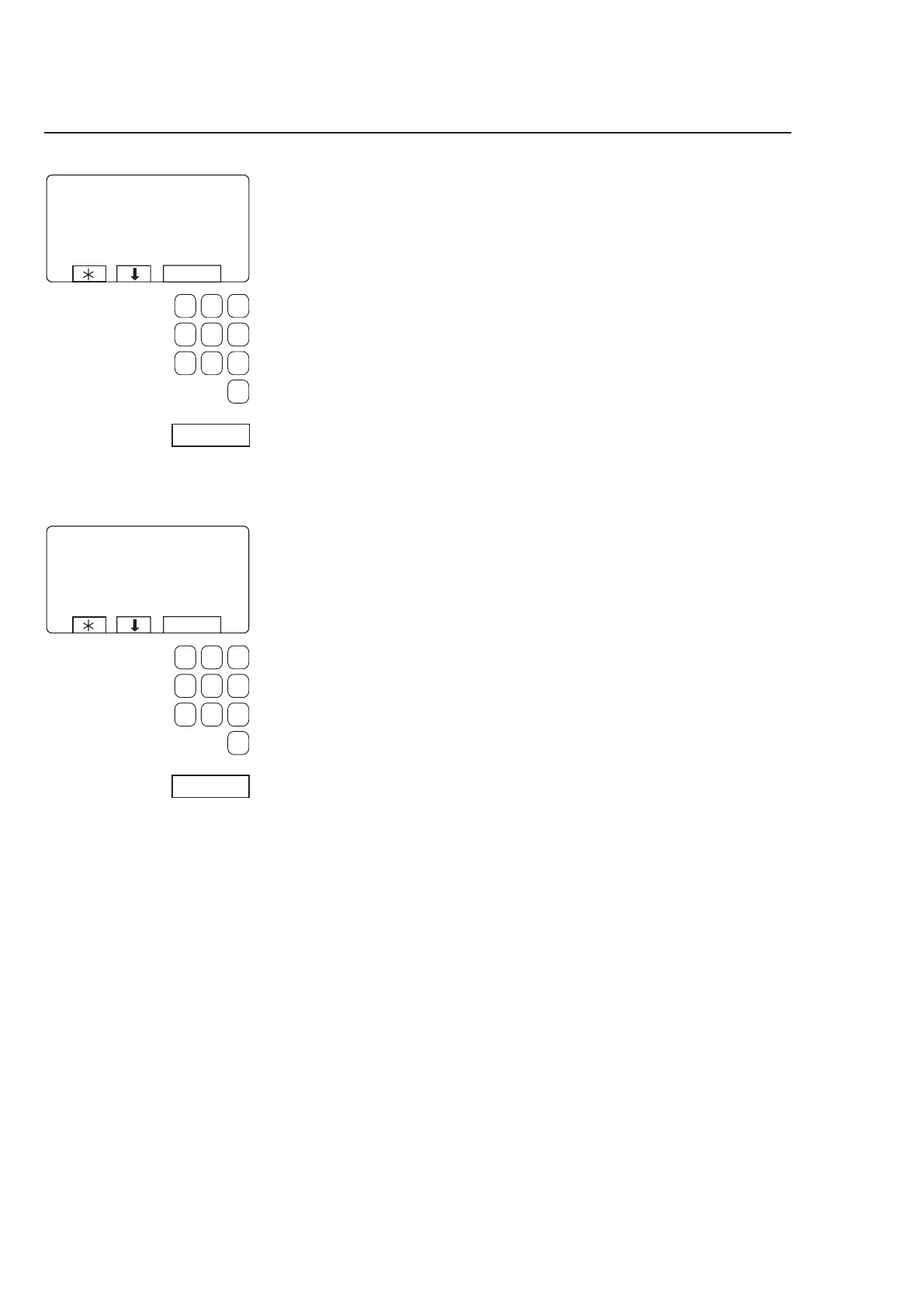
If the number you have choo-
sen is already used:
1 Select another number.
Enter
the new number
and press SELECT.
2
Erase the old program
number.
Press SELECT.
Choose 1 or 2:
1 If you want to give the
program a different pro-
gram number (from the
one it had on the machi-
ne):
Use the numeric keys to
enter the new program
number, then press SE
-
LECT.
2 If the existing number is
suitable:
Press SELECT.
3623 A














Other manuals for Electrolux W475H

Related product manuals