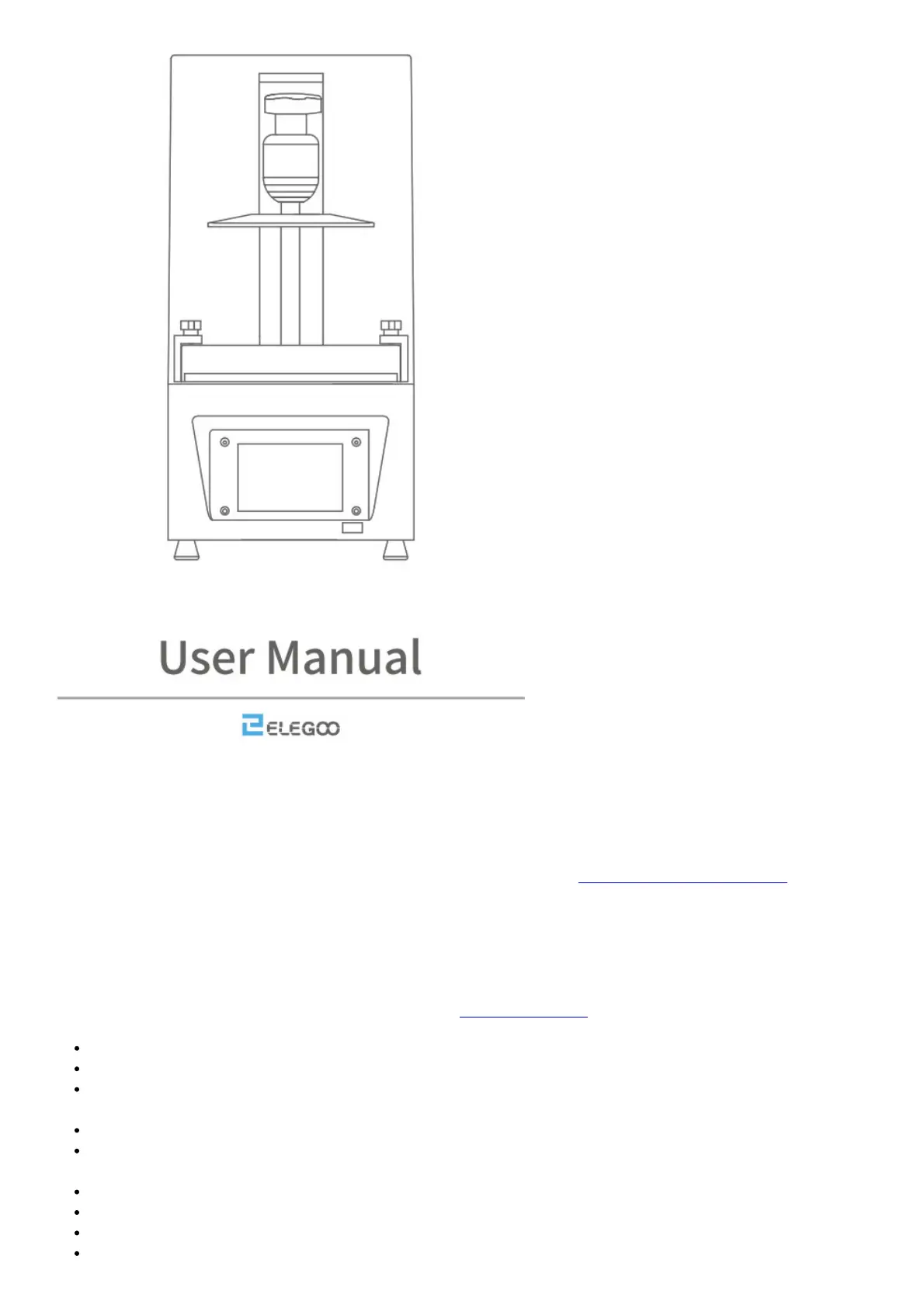
Thank you for purchasing ELEGOO Mars series 3D Printer
This user manual applies to Mars 2 and Mars 2 Pro. We take Mars 2 Pro as an example in this manual.
Please unbox and inspect the printer upon receiving it. If you have any questions regarding the printer. Please
contact us at 3dp®elegoo.com.
Please read the instruction carefully before you use the printer.
Multiple language instructions and software are available to download from www.elegoo.com/download.
Follow us on Facebook and get FREE FEP film
Facebook: @ElegooOfficial
Instagram: @Elegoo_Official
L-ELEGOO
Notice: If you need technical support please contact us at 3dp®elegoo.com.
Please keep the Mars 2 Pro 3D Printer and its accessories out of the reach of children.
When you use the printer for the first time, you would need to adjust it before printing(Unbox and Test).
If the printing failed, you would have to clean the resin tank and change resin, otherwise, it may cause damage
to your printer.
Please fill 1/3 of the resin tank only and don’t fill it up.
Please use 95% degree (or higher) ethyl alcohol or isopropyl alcohol to wash your model unless you are using
water washable resin.
Please use the printer indoors and avoid direct sunlight and dusty environment.
Please keep your printer away from water or damp environment.
Please wear a mask and gloves before using and avoid direct skin contact.
If you want to print models with sharp edges please be careful when removing it from the build platform.



 To Next Page