15
DE
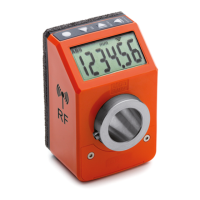
DD52R-E (GN 9053)
-
DD52R-E-RF (GN 9153)
Modelle, alle Rechte vorbehalten in Übereinstimmung mit dem Gesetz.
Bei Reproduktion der Zeichnungen, bitte immer Quellenangabe.
7.5.2 Display target mode
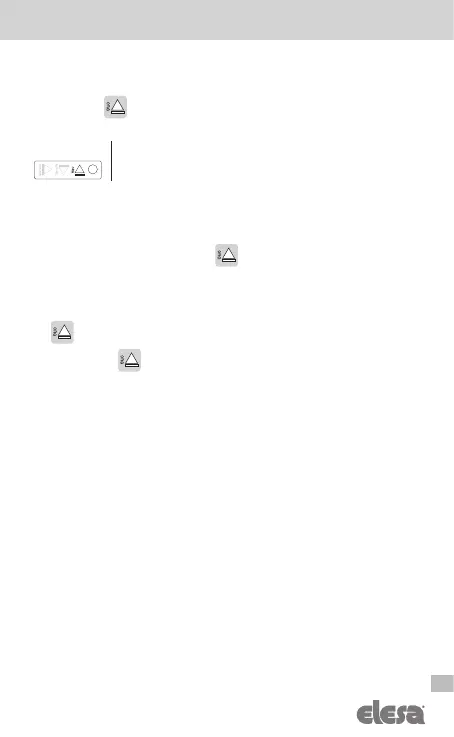
Press the key to show the present or the target position depending on the
settings of the device.
It is possible to change the function of the key and the target mode by
chosing one of the available options in the voice menu
___0__
The available options are:
-
d_tArG
(default): when a target is loaded, the display shows the actual
absolute position and the indication to reach the target, as already explained
in cap. 7.5.1. By pressing the key
the set target position is shown.
-
d_to_Go
: when a target is loaded, the display shows the distance to the
set target and the indication to reach the target, as already explained in
cap. 7.5.1. If the target is not reached, the display blinks. By ressing the key
the display shows the actual absolute position.
-
OFF
: the key
is not associated to any function in the operating mode.
7.5.3 Target tolerance
Set the value of
Ptoll
parameter to define the tolerance allowed for the target
(see cap. 8 for details).
7.6 RF version (DD52R-E-RF)
7.6.1 Programming the network parameter (nEt id) and the channel parameter
(nEt ch)
The radio network of the system is defined by the following two parameters:
nEt id
: id 00/99 (NetID = 03 is reserved and is not possible to be used)
nEt ch
: ch 01/36
These parameters can be configured in the radio menu of the indicator (see
cap. 8) and they must be set according to the PLC recipe in order to guarantee a
perfect communication between the control unit UC-RF and the electronic position
indicator DD52R-E-RF.
Warning
For the DD52R-E-RF with firmware release equal to 5.1 or higher, channel 1 is
equivalent to channel 4 of the previous version. Consider it in case of use of the
old system with UC-RF with fw release lower than 5.1.
___0__



 To Next Page