10
DE
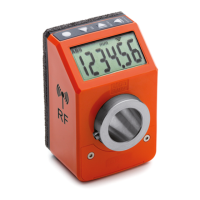
DD52R-E (GN 9053)
-
DD52R-E-RF (GN 9153)
Modelle, alle Rechte vorbehalten in Übereinstimmung mit dem Gesetz.
Bei Reproduktion der Zeichnungen, bitte immer Quellenangabe.
+
Programmable with one of the following
options (see the
___0_0
voice of the
menu – cap. 8.3):
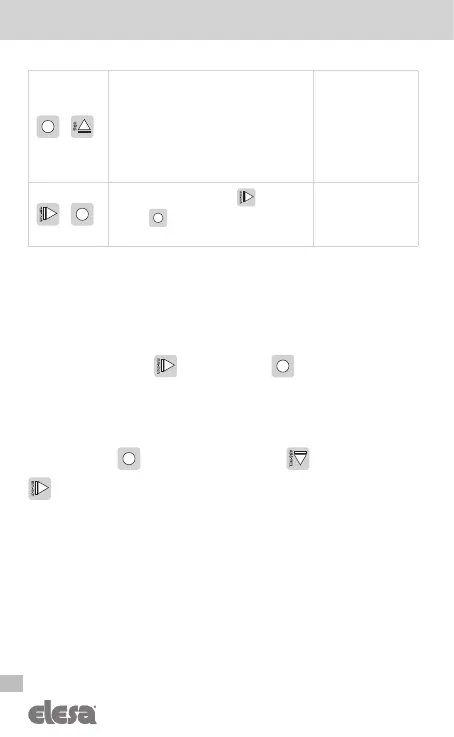
tArGEt: the keys combination allows to
load/program one of the 32 target positions.
See cap. 8.4
OFF [DEFAULT]: the key is not assigned to
any function in the operating mode.
N/A
>
To turn on the indicator, hold
then press
the key . After the start-up sequence, the
indicator will be ready to be used (see cap. 6)
N/A
Note: the words increase, decrease, up and down refers to the direction of the
arrow are in the default configuration as shown in the picture. Changing the
display orientation, the meanings of the keys are inverted.
6 Turning on the system
After reading and understanding the section “Safety Instructions”, proceed by
switching on the indicator.
Turn the indicator on hold then press the key .
The display will light up and the indicator will be ready to be used.
6.1 Turning off the system (only for storage)
To turn the system off enter the programming mode, select the
rESEt
parameter
then press the key . At this point, press the button and then press the key
; the display will turn off and the indicator will go into sleep mode.



 To Next Page