45
English
ADVANCED
OPERATIONS
Displaying a picture full-screen
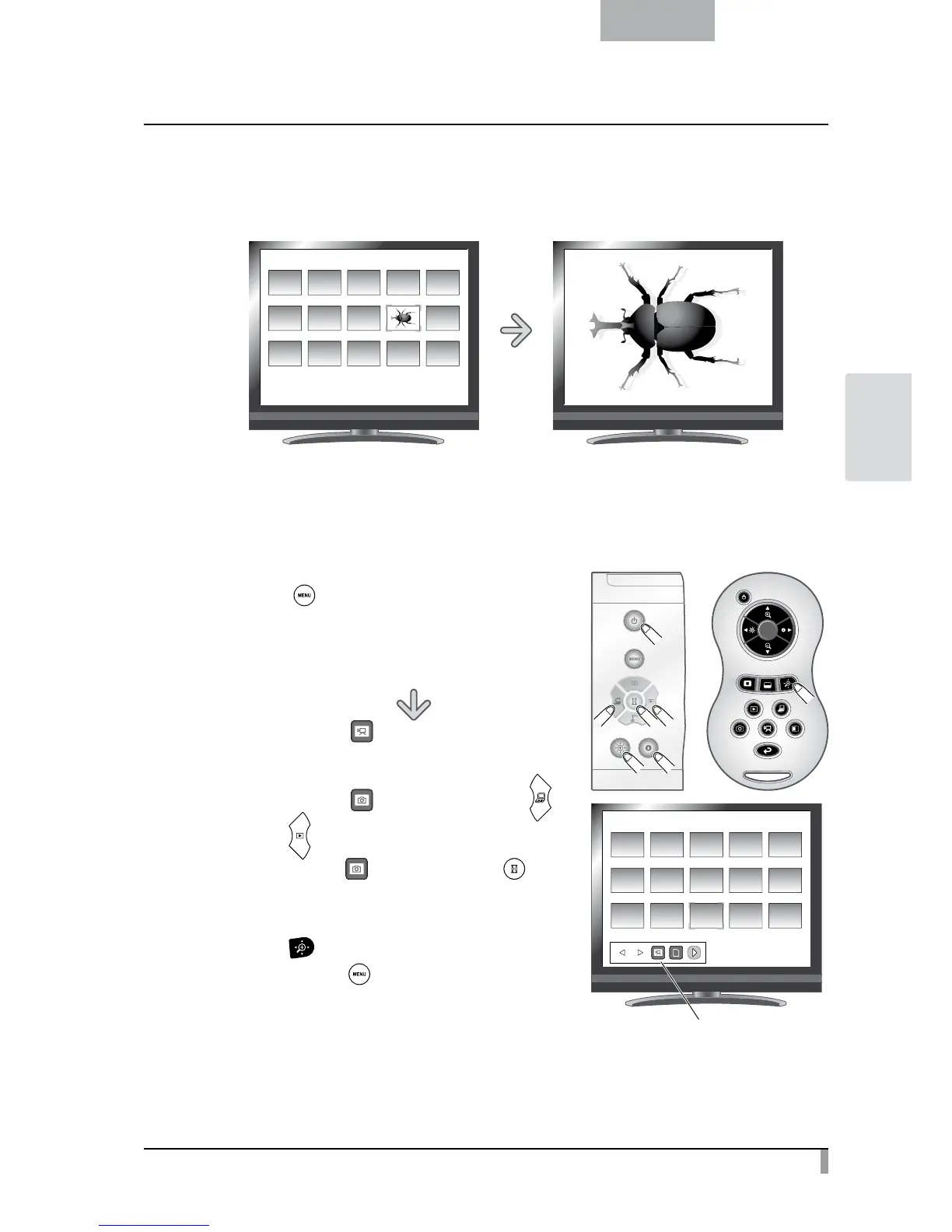
You can display a picture you selected from the thumbnails (list of pictures/movies) full-screen.
䎶䎧䎒䎳䏌䏆䏗䏘䏕䏈
䎓䎓䎔䎒䎓䎓䎖
<Thumbnail images> <Full-screen picture>
Basic operations
①
Show in the Thumbnail Menu the icon for displaying the list of pictures.
Press the
[
] button on the operating panel to display
the Thumbnail Menu.
Then, the current status of the selection is displayed at the
button right of the screen.
(1) If you see [ ] in the menu, the list of pictures
has already been displayed.
(2)
If you see [
] in the menu, press the [ ] or
[
] button on the operating panel to move the
cursor to [
] and then press the [ ] button.
You can display the list of pictures.
Or a list of images can be displayed with the
[
] button on the remote control.
(3)
Press the [
] button again to hide the
Thumbnail Menu.
SD/Picture
001/003
Thumbnail menu



 To Next Page