51
English
ADVANCED
OPERATIONS
②
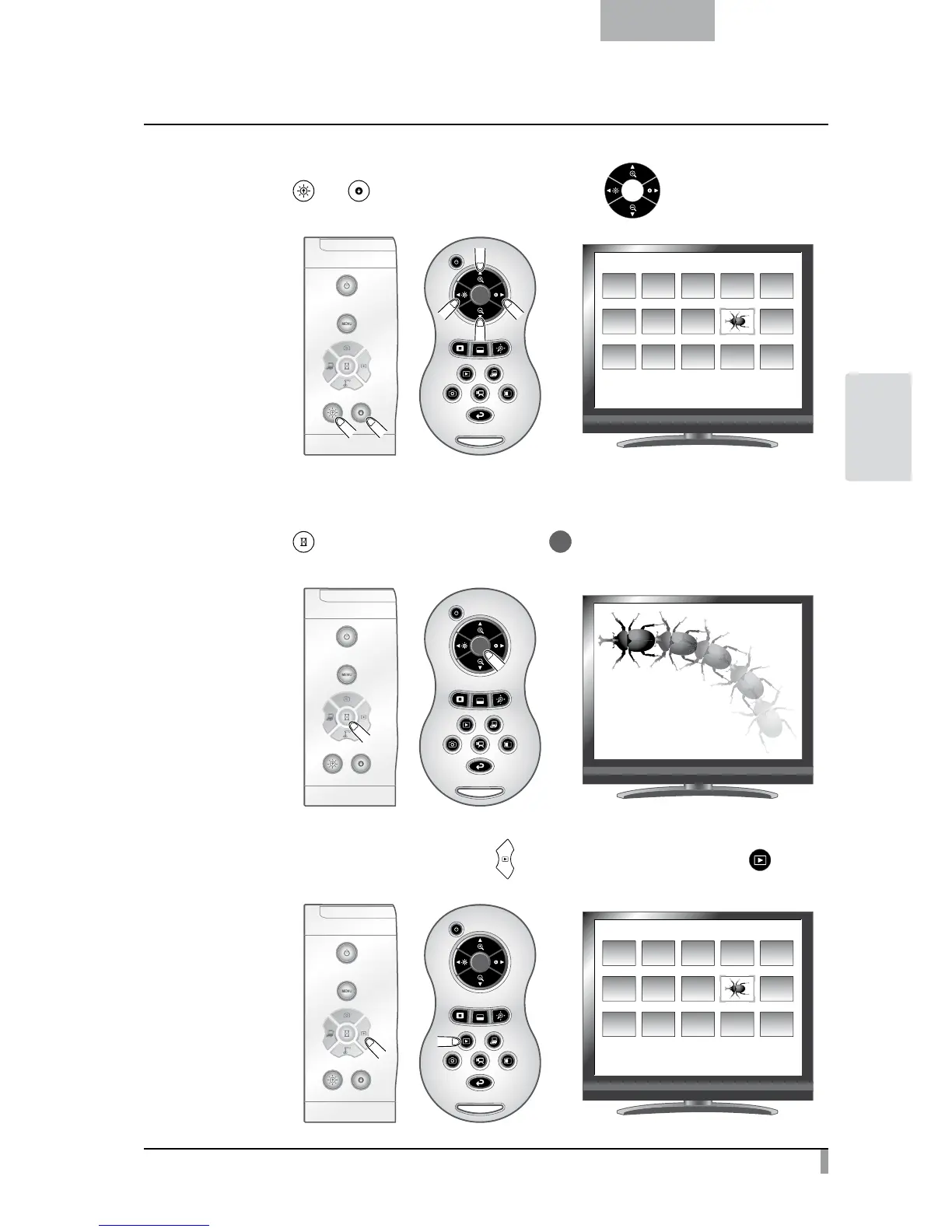
Select the movie you want to display full-screen.
Press the [
] or [ ] button on the operating panel or the [ ] button on the remote
control to move the cursor.
䎶䎧䎒䎰䏒䏙䏌䏈
䎓䎓䎔䎒䎓䎓䎖
③
Select the movie you want to display full-screen.
Press the [
] button on the operating panel or the [ ] button on the remote control.
The movie automatically starts to play.
④
To return to the thumbnail display, press the [ ] button on the operating panel or the [ ] button
on the remote control.
䎶䎧䎒䎰䏒䏙䏌䏈
䎓䎓䎔䎒䎓䎓䎖



 To Next Page