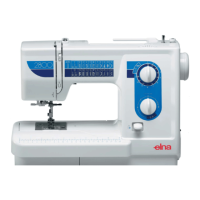
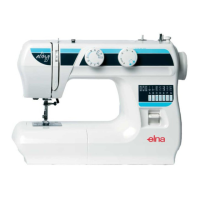
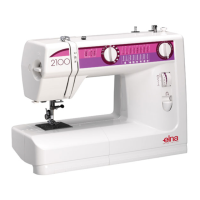
NEEDLE CENTERING
When the straight at the center position is selected, the needle should be at the center
of needle hole of the needle plate.
1. Remove the face plate (see page 3).
2. Select the straight stitch at the center.
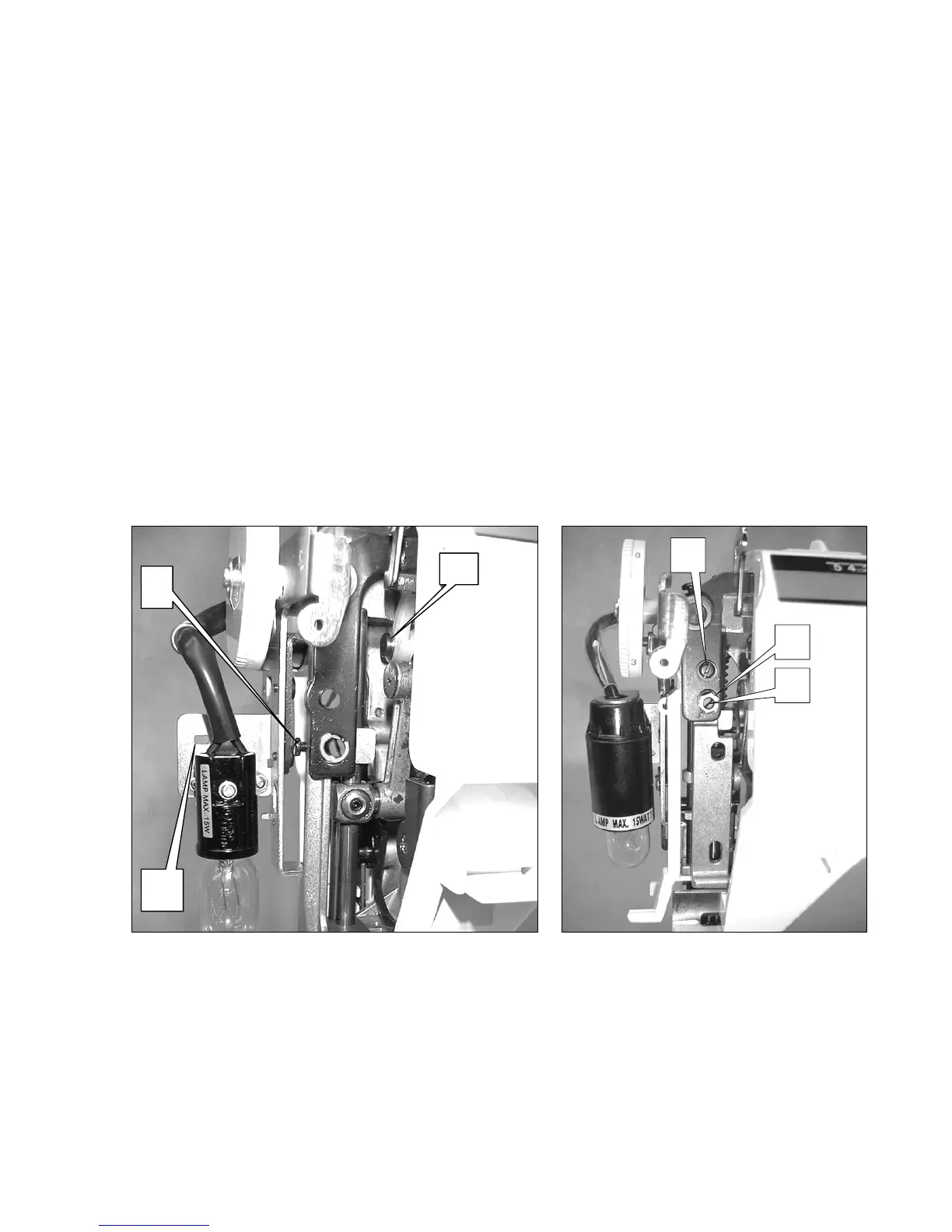
(Applicable to models 2003 (see fig. 1)
3. Loosen the set screw A and C.
4. Turn the eccentric pin B to adjust the needle centering.
5. Tighten the set screw A.
(Applicable to model 2005 and 2007 see fig. 2).
6. Loosen the set screw D
7. Loosen the hexagon nut E
8. Turn the eccentric pin F to adjust the needle centering
9. Tighten the set screw D.
10. Tighten the hexagon nut E.
11. Attach the face plate.


 To Next Page