22
OPENING OF CAM FLOWER (For models 2005 and 2007)
1. When the selector dial cannot be turned or if stitch width is wrong pattern
(buttonhole, zigzag, or a stretch stitch).
Note: needle centering should be correct (see page 14).
Adjust cam follower release as follows:
1. Remove front cover (see page 7).
2. Set the pattern selector dial at “19” (model 2007), or “14” (model 2005).
3. Set width lever at “5”.
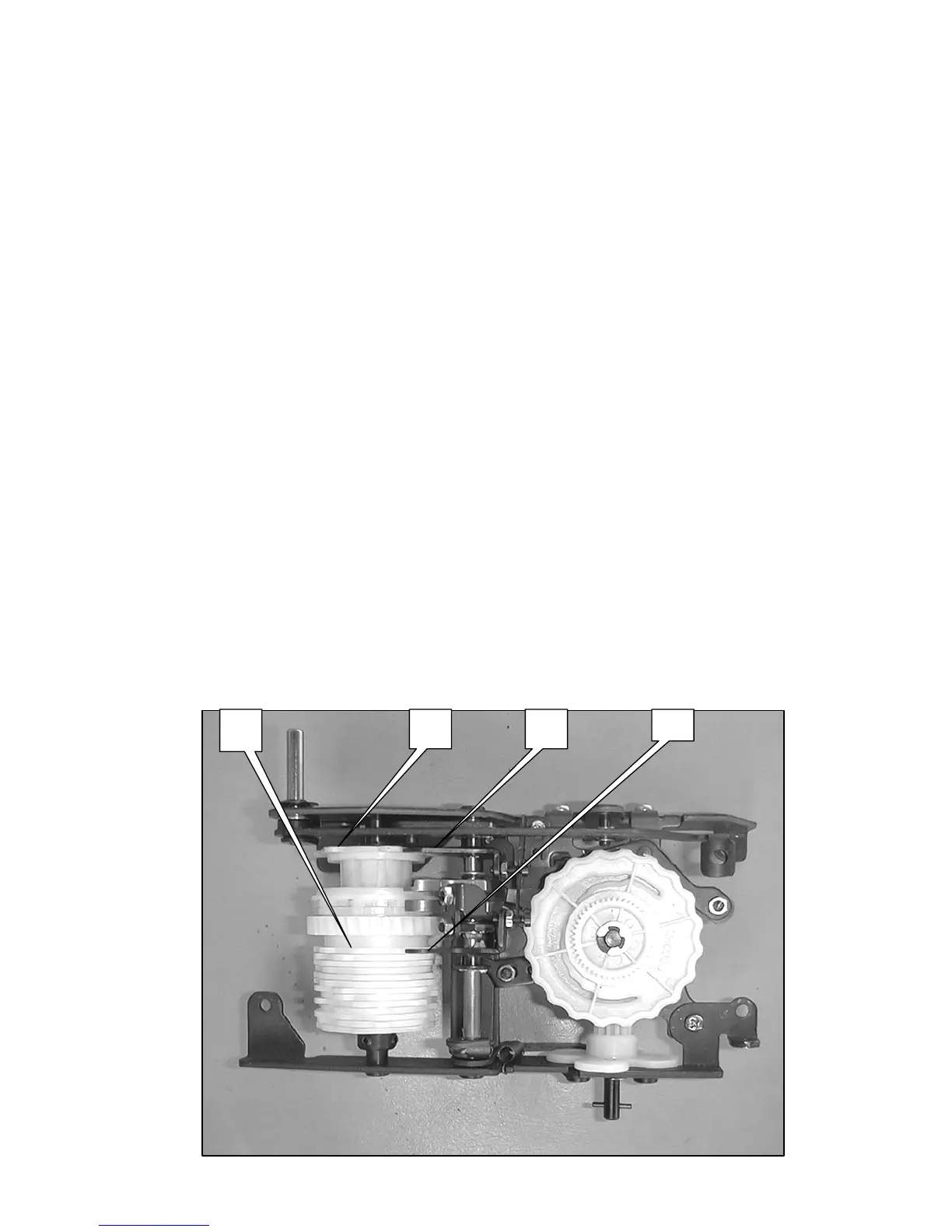
4. Be sure that the cam follower A is on the zigzag cam C and cam follower
D is on the S. S cam E (fig. 1).
5. Turn the pattern dial to set cam follower release claw F at position G (fig.2).
6. Loosen the set screw nut H-1.
7. Adjust the screw H-2 to set the clearance between cam follower A and
zigzag cam C (fig 3).
8. Tighten the set screw nut H-1.
9. Loosen the set screw nut I-1.
10.Adjust the screw I-2 to set the clearance between cam follower A and S S
cam (fig 4).
11.Tighten screw I-1.
12.Set width lever at “0” and attach front cover.


 To Next Page