105U-G Wireless Gateway User Manual
Page 39 © August 2003
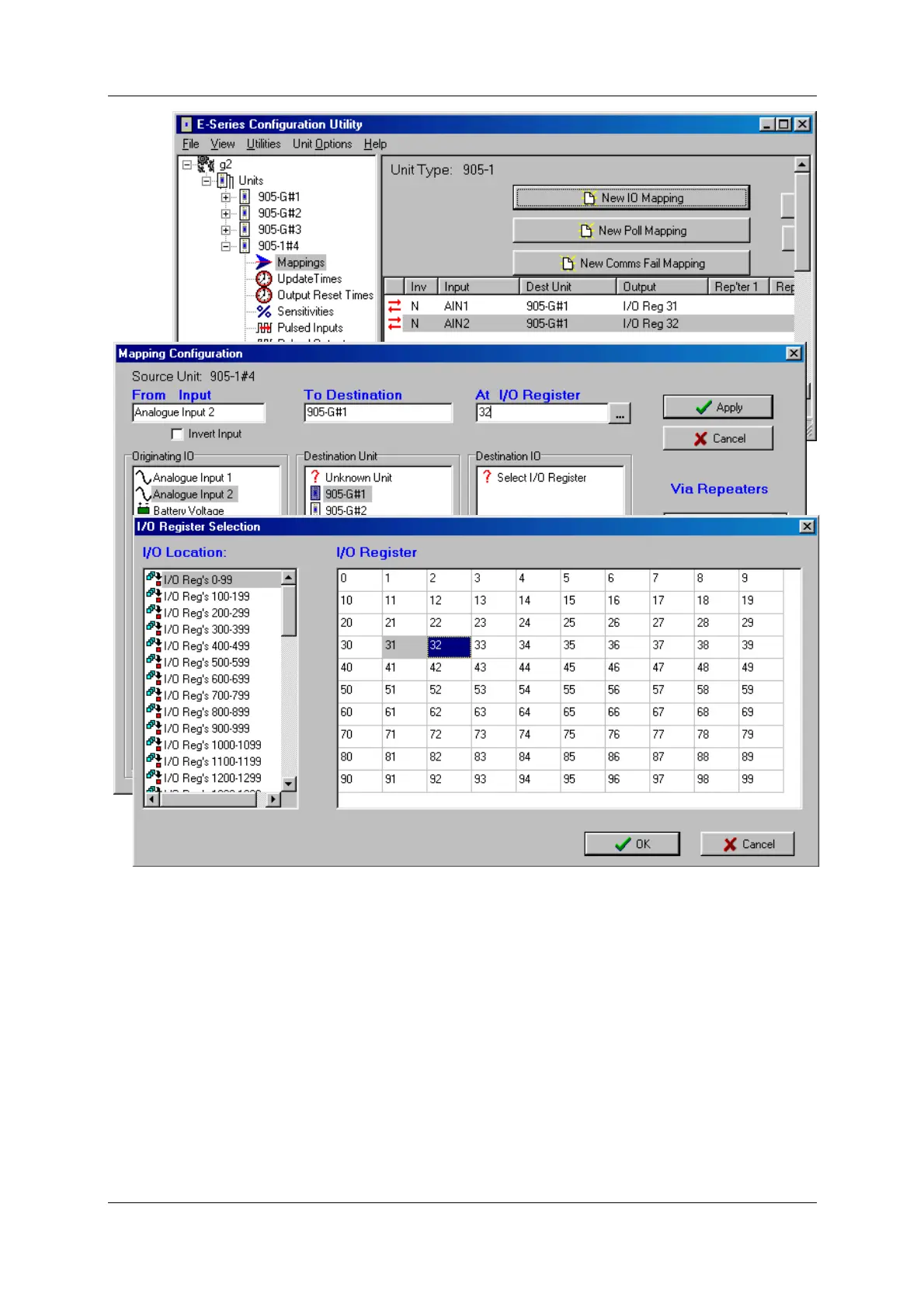
Any I/O registers that have already been selected will have a colour shading.
The update times, analogue sensitivities for these mappings can be set as per normal I/O
mappings.
To map several inputs to consecutive I/O registers, use “Shift”-select or “Ctrl” - select to
highlight the inputs, and select the first I/O register in the range. The selected mappings will
be entered with consecutive I/O registers.
For each “remote input” configured to a 105G, there is a comms-fail time parameter in the
105G. If the 105G does not receive a message destined to that I/O register within the “comms
fail” time, then the “comms fail” status for that I/O register will be set - the most significant
bit of the status register will be set to 1. The comms fail time should be more than the
corresponding update time at the remote input.



 To Next Page