Chapter 4 Configuration
MAN_105G_1.5 Page 38
4.3
Mappings 105G to 105U I/O Modules
To transfer remote input signals to a 105G, or transfer a value to a remote output from a
105G, you set up “I/O mappings”. You enter mappings into the source unit, not the
destination unit. That is, you configure a mapping at the “input” module. If you want to
transfer an input signal at a 105U module to a 105G register, you enter a mapping at the 105U
I/O module. If you want to transfer a 105G register to an output signal at a 105U module, you
enter a mapping at the 105G module.
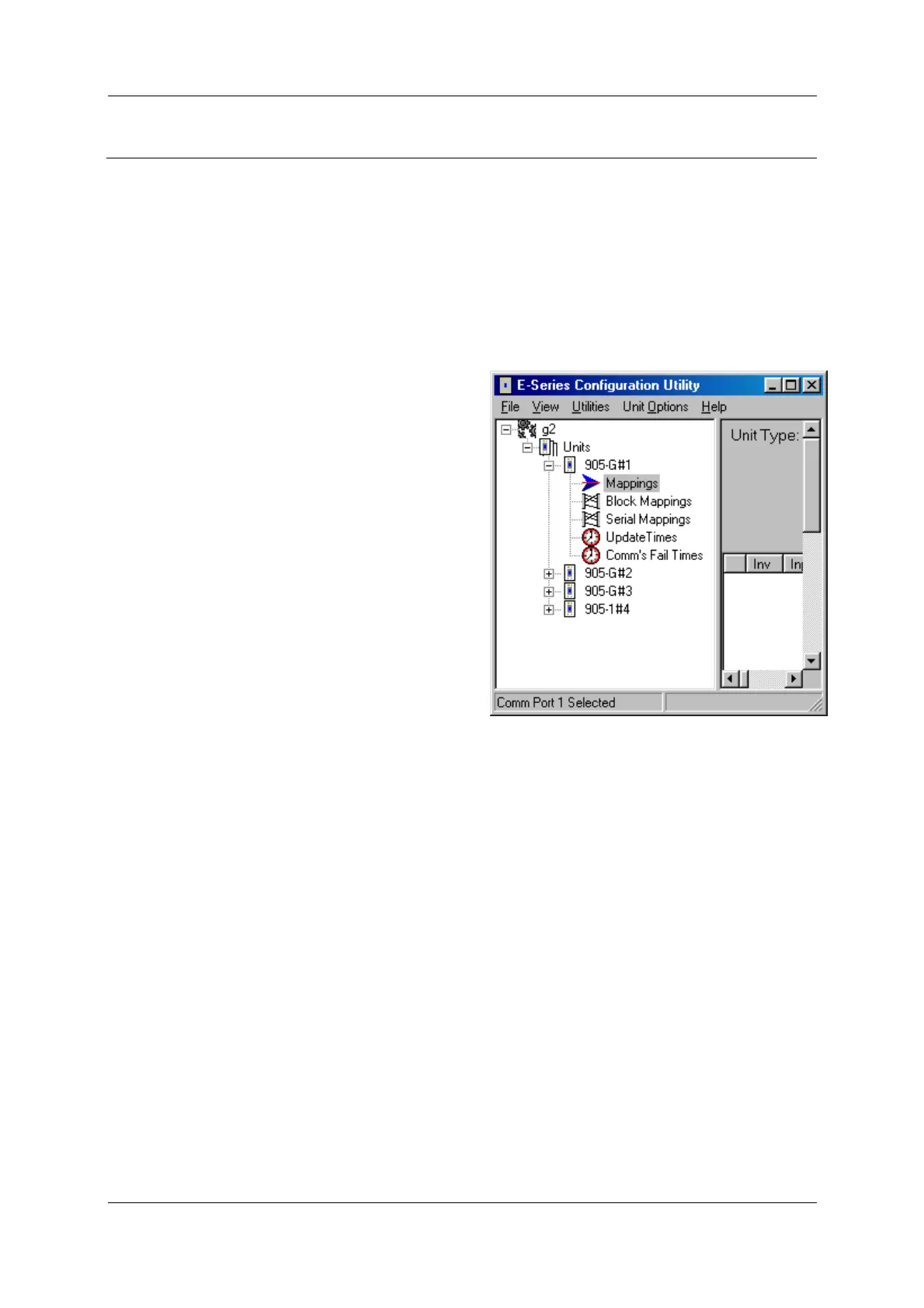
To configure mappings, double-click on the module in the left-hand menu - the menu will
expand with selections for that module. Select “Mappings”.
Each mapping comprises only one I/O point.
“Block Mappings” provide more advanced
communications between 105G modules.
4.3.1 Mappings from Inputs at Remote 105U I/O Modules
Refer to the 105U I/O User Manual.
When mapping inputs to a 105G, you will be asked to select an I/O Register. Select the “…”
box beside the “At I/O Register” heading - this will allow you to select the I/O register
between 0 and 4299.



 To Next Page