Chapter 6 Diagnostics
MAN_105G_1.5 Page 86
1 Green -
The Link led indicates that the module is connected to an
Ethernet network.
2 Green Off
No power applied to module.
2 Green Steady
Device operating correctly.
2 Green Flashing
Module has not been configured.
2 Red Flashing
Minor recoverable fault has been detected.
2 Red Steady
Major internal error has been detected.
2 Green/Red Flashing
Power on self-test.
3 Green Off
No power applied or no IP address has been assigned.
3 Green Steady
Module has at least one Ethernet/IP connection established.
3 Green Flashing
No Ethernet/IP connections to the module.
3 Red Flashing
Connection timeout
3 Red Steady
Duplicate IP address
3 Green/Red Flashing
Power on self-test.
4 Green Flashing
Flashes each time a packet is received or transmitted.
6.4.2 Profibus Indicating LED’s
The module is equipped with four LED's mounted at the front and one LED on
the board, used for debugging purposes.
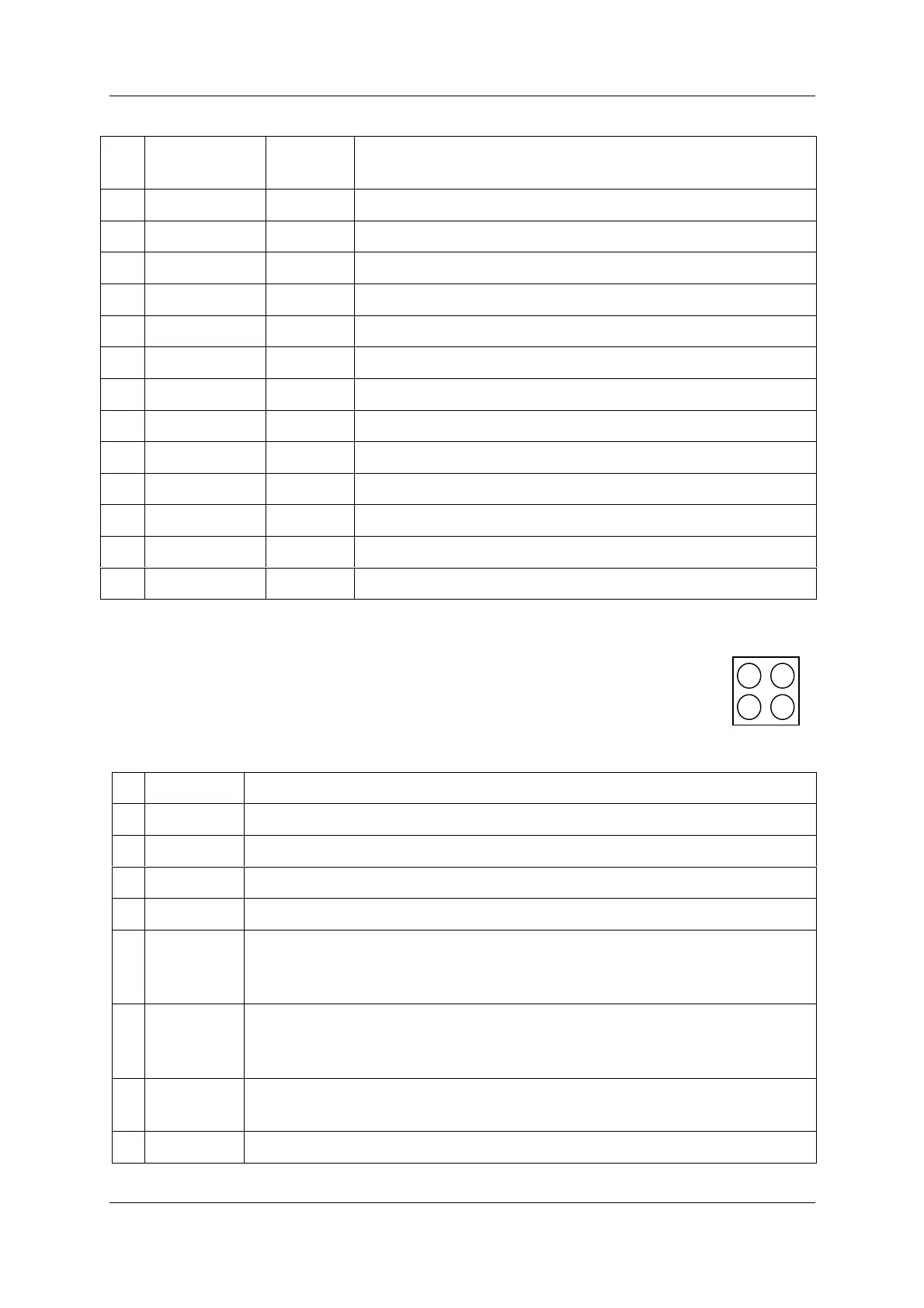
Led Positions are shown below.
The function of the LED's is described in the table below.
1
- Not Used
2 Green
Module is On-Line and data exchange is possible.
2Off
Module is not On-Line
3Red
Module is Off-Line and no data exchange is possible.
3Off
Module is not Off-Line
4 Flashing
Red 1 Hz
Error in configuration: IN and/or OUT length set during initialization of
the module is not equal to the length set during configuration of the
network.
4 Flashing
Red 2 Hz
Error in User Parameter data: The length/contents of the User Parameter
data set during initialization of the module is not equal to the
length/contents set during configuration of the network.
4 Flashing
Red 4 Hz
Error in initialization of the Profibus communication ASIC.
4Off
No diagnostics present
LED no. Indication Description



 To Next Page