Chapter Four Configuration
man_905-105_2.16 Page 43
Configuring an individual module
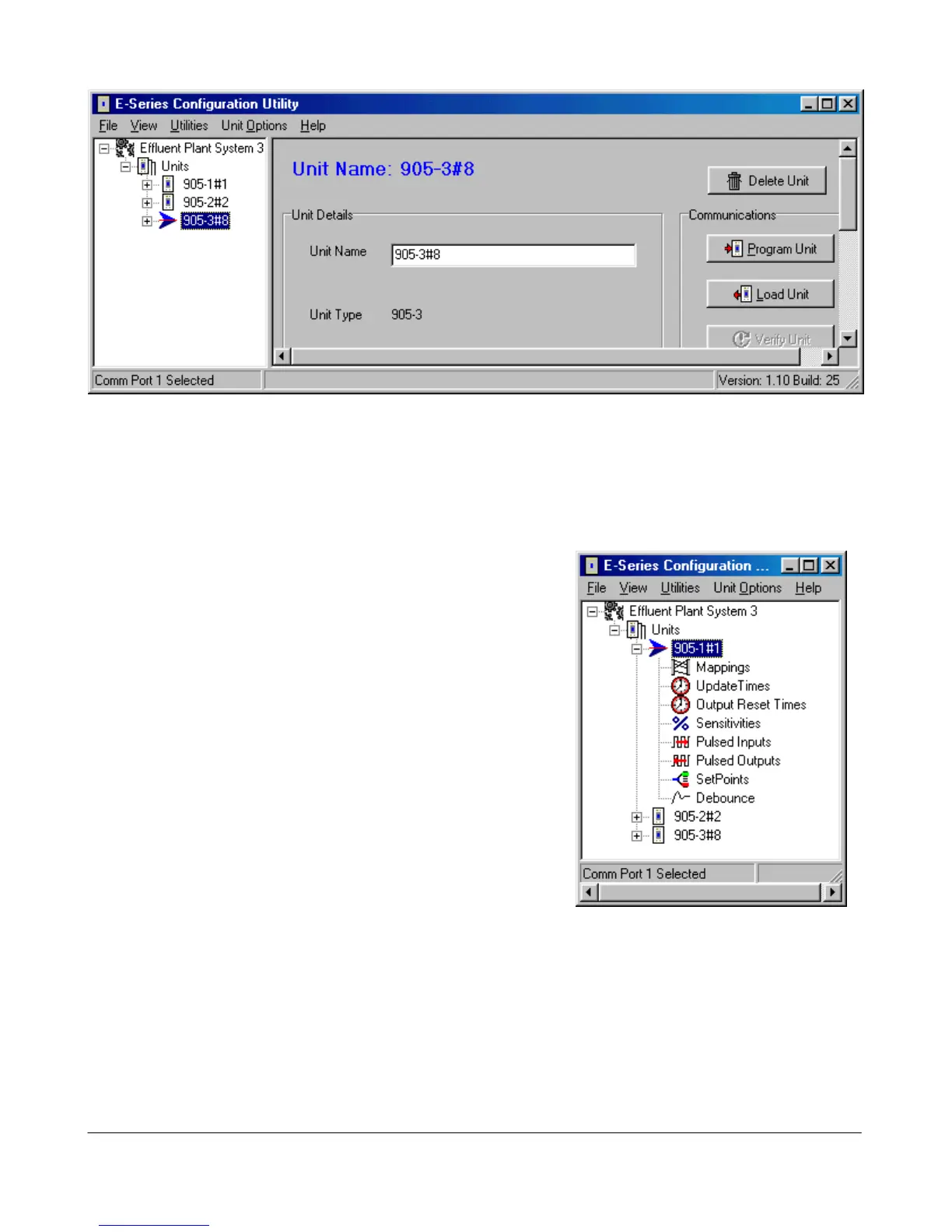
Double-click on a unit shown on the left-hand menu. The configuration options for each unit will
appear. We recommend that you configure I/O mappings first, and then other options.
Select “Mappings” and the following screen appears. There
are three types of mappings:
• I/O mappings which link inputs to outputs
• Poll mappings, which enables a module on start-up to
request set its outputs quickly
Comms Fail mappings, which maps communication failure
status to an output on the local module.



 To Next Page