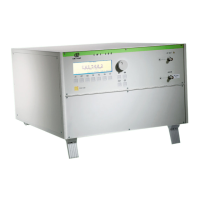
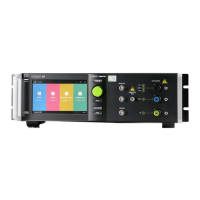
EM Test CWS500 N2
User manual V 3.00 11 / 38
Quickstart
Easy and very fast operation for functions check and verification of the CWS 500N2.
Page 2 (Show Parameters) Page 3 (Change)
Att = 63,0 dB f = 109.500 MHz
f : 0.009 MHz - 400.0 MHz
Mod : OFF, AM 80%, AM 90%, Pulse
Press START to begin testing.
Press CHANGE and the actual parameters can be changed. Selecting a parameter to change will display the
range.
The test begins by pressing START. The blinking parameter can be changed with the knob inc./dec.
Use the cursor keys (
) to select other parameters. By pressing STOP the test will be stopped and on the
last line of the display it will be indicated that the test has been stopped.
Page 3 (Operating)
Att = 33,0 dB f = 109.500 MHz
FPow = - 9.7 dBm Mon = -56.9 dBm
Error messages:
Att = 40,0 dB f = 109.500 MHz
FPow = + 6.6 dBm Mon = -57.3 dBm
Message : Fpow to low !
What happens : The amplifier does not supply the expected gain. The firmware checks the ratio between the
signal generator output and the Forward power. The reason can be an amplifier defect or an
internal error in the CWS 500N2. This message appears only when using internal amplifier.


 To Next Page