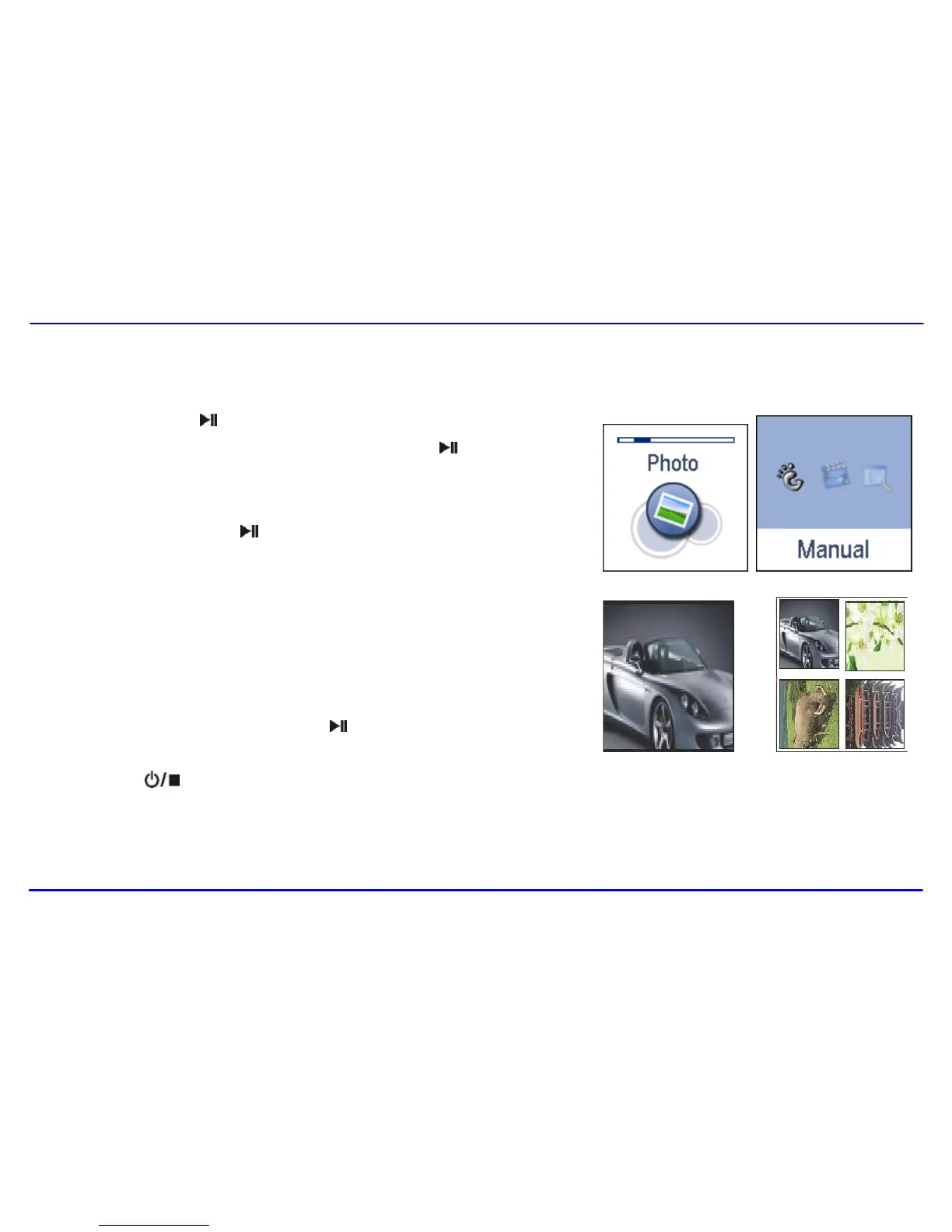
1. Press and hold the [ ] button to enter the main menu.
2. Use the [] or [] button to select Photo and press the [ ] button. The picture
menu appears on the screen.
3. Use the [] or [] button to select a manual from Manual, Slide Show,
Thumbnail and press the [ ] button to view your pictures.
Manual: To view pictures manually. Use the [] or [] button to display
the previous or next picture.
Slide Show: To play a slide show. Once you select it, all pictures on your
player starts slide show.
Thumbnail: To view pictures in thumbnails. Up to four pictures are
displayed on the screen at a time. Use the [] or [] button to navigate
between pictures and press the [ ] button to view the selected picture in
full screen.
4. Press the [ ] button to exit the picture view mode return to the previous menu.
Note:Higher resolution pictures load slower. If the resolution of the picture is more than 2048*2048, a system picture “check to show” is displayed
instead of original picture in thumbnail mode.



 To Next Page