Manually searching a frequency
Press the [] or [] button to search for the frequency you want.
Automatically searching a frequency
Push and hold [] or [] button to automatically search for radio stations with strong signal forward or backward.
Selecting FM region
Before starting automatic or manual searching, you can select desired FM region.
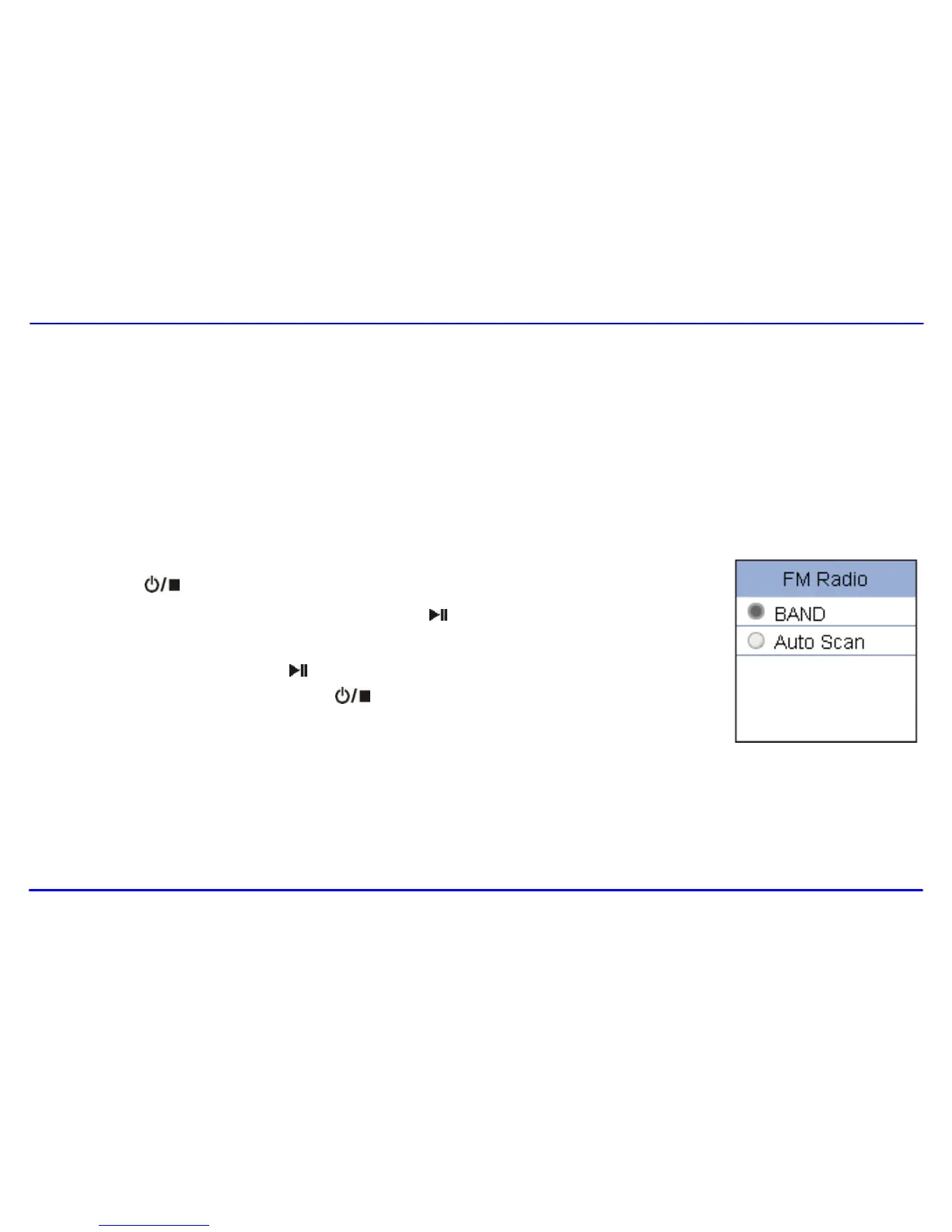
1. Press the [ ] button to open the FM Radio sub-menu.
2. Use the [] or [] button to select BAND and press the [ ] button.
3. Use the [] or [] button to select a FM region from US (87.5-108.0), EUROPE (87.5-108.0) and
JAPAN(76.0-90.0), then press the [ ] button to confirm.
4. To exit the FM Radio sub-menu, press the [



 To Next Page