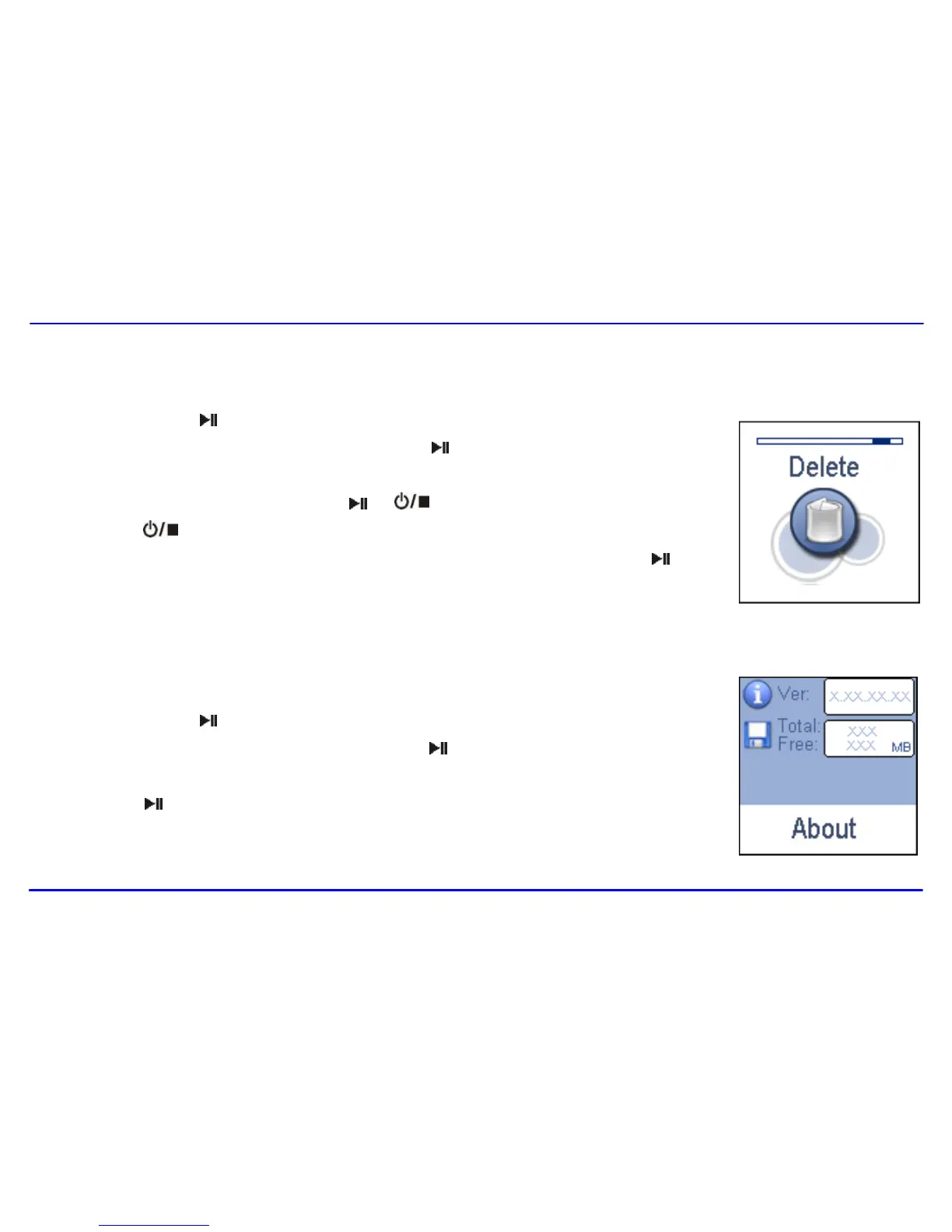
1. Press and hold the [ ] button to enter the main menu.
2. Use the [] or [] button to select Delete and press the [ ] button. The file list appears on the screen.
3. Press the [] or [] button to navigate between files or folder.
4. To delete a file, select the file and press the [ ] or [ ] button. To delete a folder, select the folder and
press the [ ] button. The Delete menu appears on the screen.
5. Use the [] or [] button to select Yes (continue delete) or No (cancel delete), and press the [ ] button
to start deleting the files or exit without deleting.
In the About mode, you can check and review the firmware version, total memory and free memory of the player.
1. Press and hold the [ ] button to enter the main menu.
2. Use the [] or [] button to select About and press the [ ] button.
The firmware version, total/free memory of the player is displayed on the screen.
3. Press the [ ] button to exit.



 To Next Page