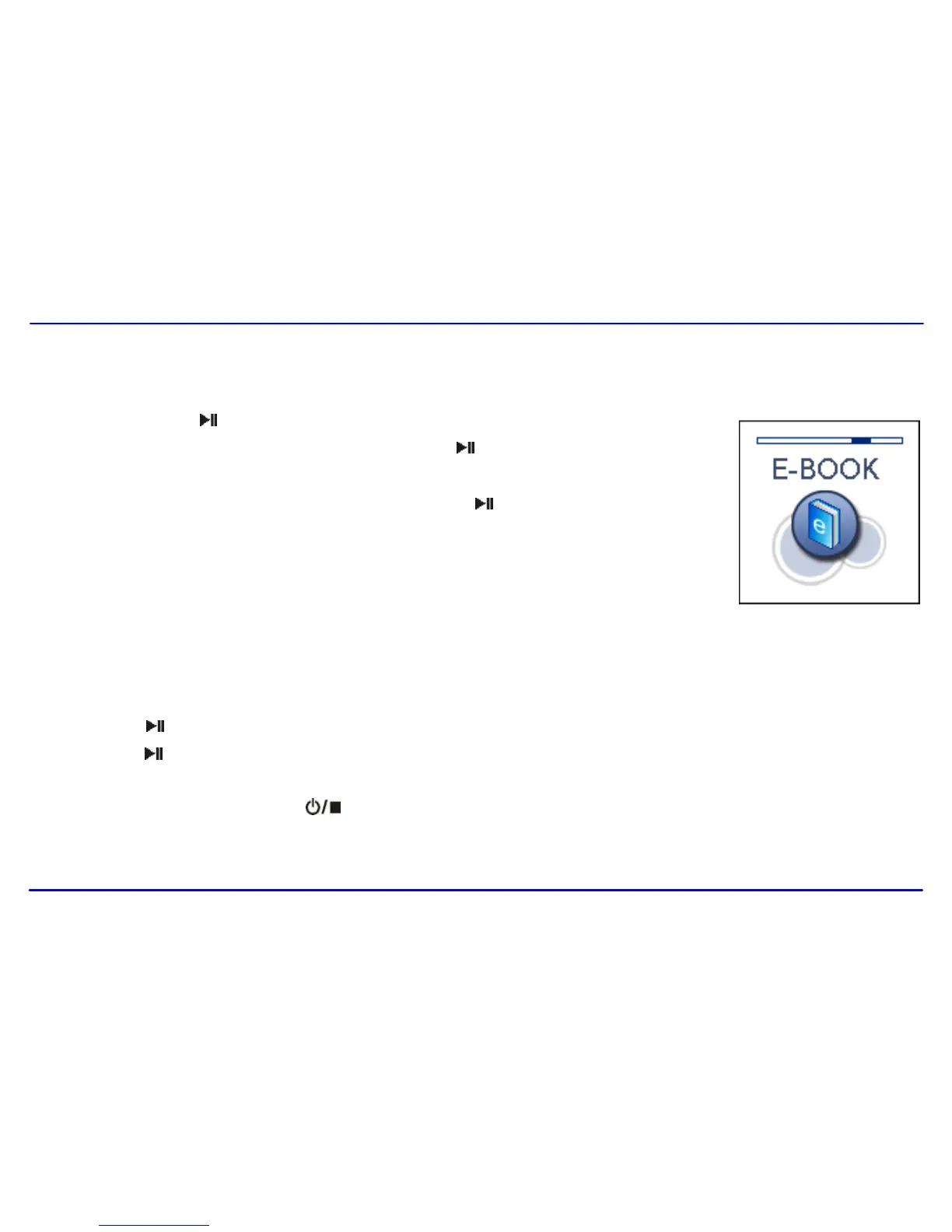
Reading E-book
This player only supports the playback of files in TXT format. Other formats must be saved as TXT format before transfer.
1. Press and hold the [ ] button to enter the main menu.
2. Use the [] or [] button to select E-BOOK and press the [ ] button. The E-book list appears on the
screen if you use the E-BOOK function for the first time or reset the player.
3. Use the [] or [] button to select a folder or file and press the [ ] button to open the folder or view the
selected file.
Moving to previous/next page
Press the [] button to move to the previous page.
Press the [] button to move to the next page.
Skipping to next page automatically
Press the [ ] button while viewing the text. The player will skip to the next page after a shot time automatically until reaching the last page.
Press the [ ] button to stop the automatic skipping.
Note:
To return to the E-book list, press the [ ] button.
The last page you read is saved as a bookmark automatically when you exit the E-book mode. The bookmark page will be displayed on the
screen when you switch to E-BOOK mode next time.



 To Next Page