Recording Voice
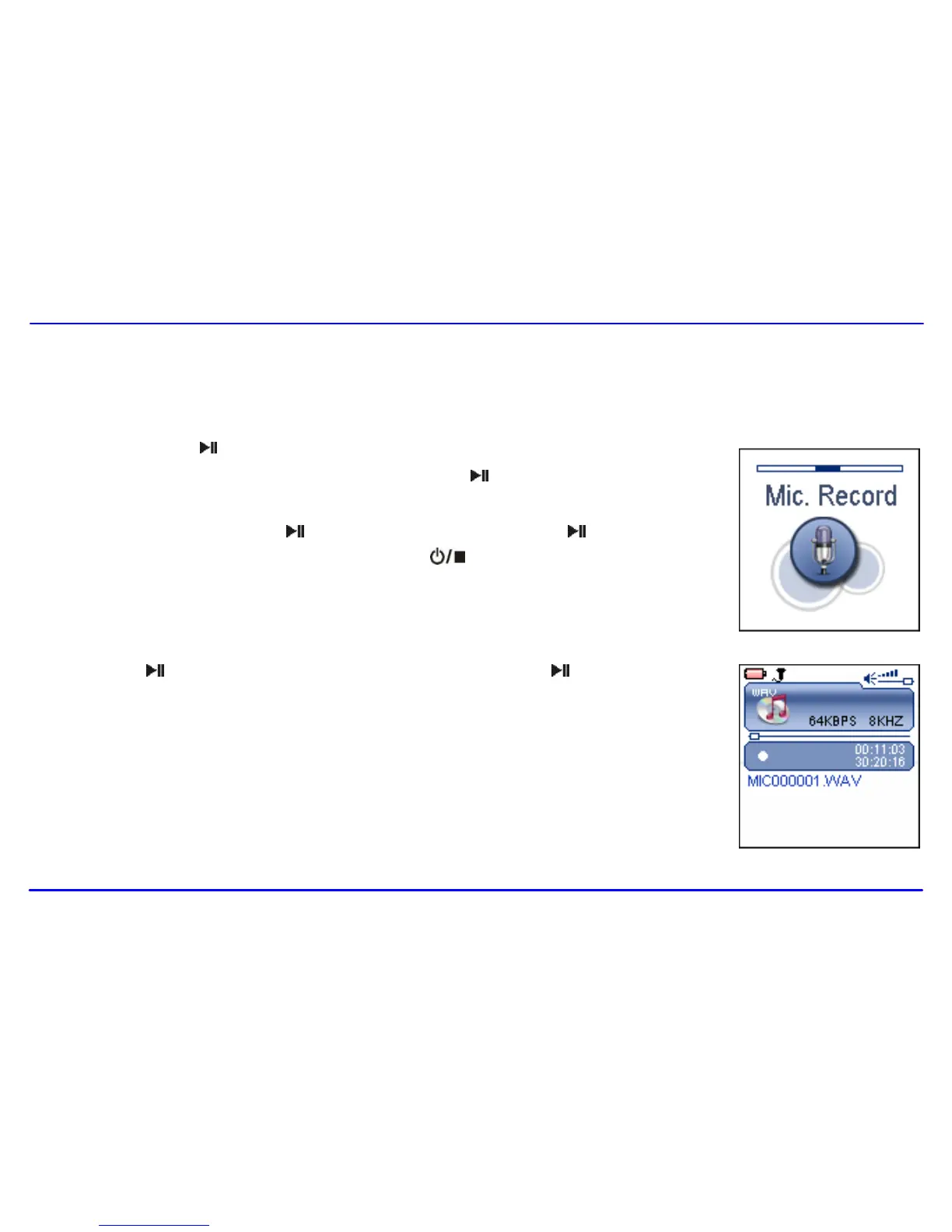
In Mic.Record mode, you can activate the voice recording with integrated microphone. You also can directly press and hold [A-B/REC] button to start
recording in Music or Voice mode.
1. Press and hold the [ ] button to enter the main menu.
2. Use the [] or [] button to select Mic.Record and press the [ ] button. The recording menu appears
and the player starts recording.
3. To pause the recording, press the [ ] button. To resume the recording, press the [ ] button again.
4. To save recording and return to main menu, press the [ ] button. The player will go to the Voice
playback interface.
The recorded files are saved in the MICIN.DIR folder of the MP3 player as WAV files (format:
MIC0000X.WAV) and can be listened to in the Voice mode.
5. Press the [ ] button to start playing the recorded files or press and hold the [ ] button to exit the voice
mode.
Note: Voice recording is automatically stopped when the memory of the player is full or the battery power is no
longer sufficient. Data that has been already recorded is automatically saved.



 To Next Page