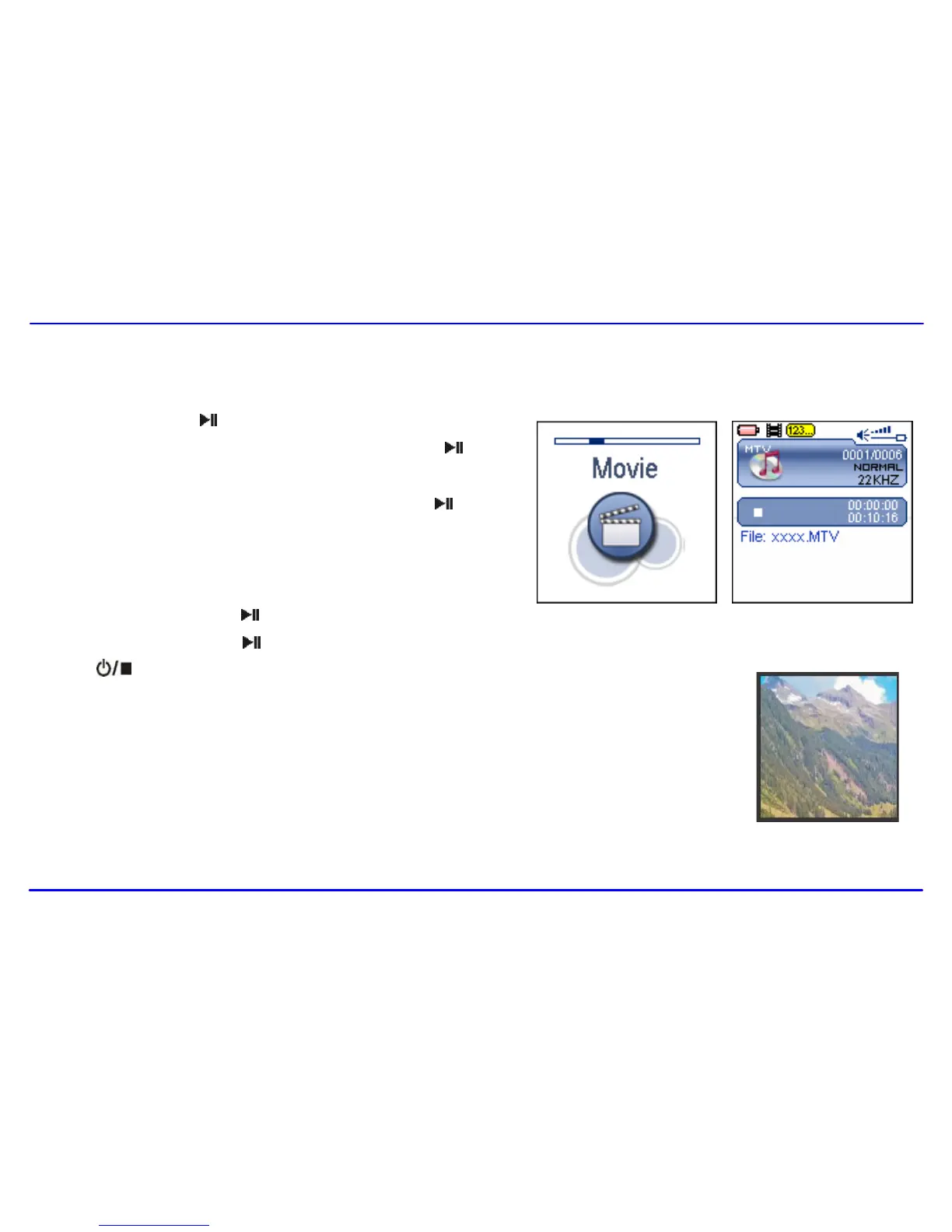
1. Press and hold the [ ] button to enter the main menu.
2. Use the [] or [] button to select Movie and press the [ ] button.
The first video will appear on the screen in STOP mode.
3. Use the [] or [] button to select a video and press the [ ] button to
play the selected video.
Pausing playback
While a video is playing, press the [ ] button to pause the playback.
To resume the playback, press the [ ] button once again.
Press the [ ] button to stop playback.
Skipping video files
Press the [] or [] button to skip to the previous or next video file.\
Searching backward or forward
Press and hold the [] or [] button to search backward or forward within a
video file.



 To Next Page