Using the music menu
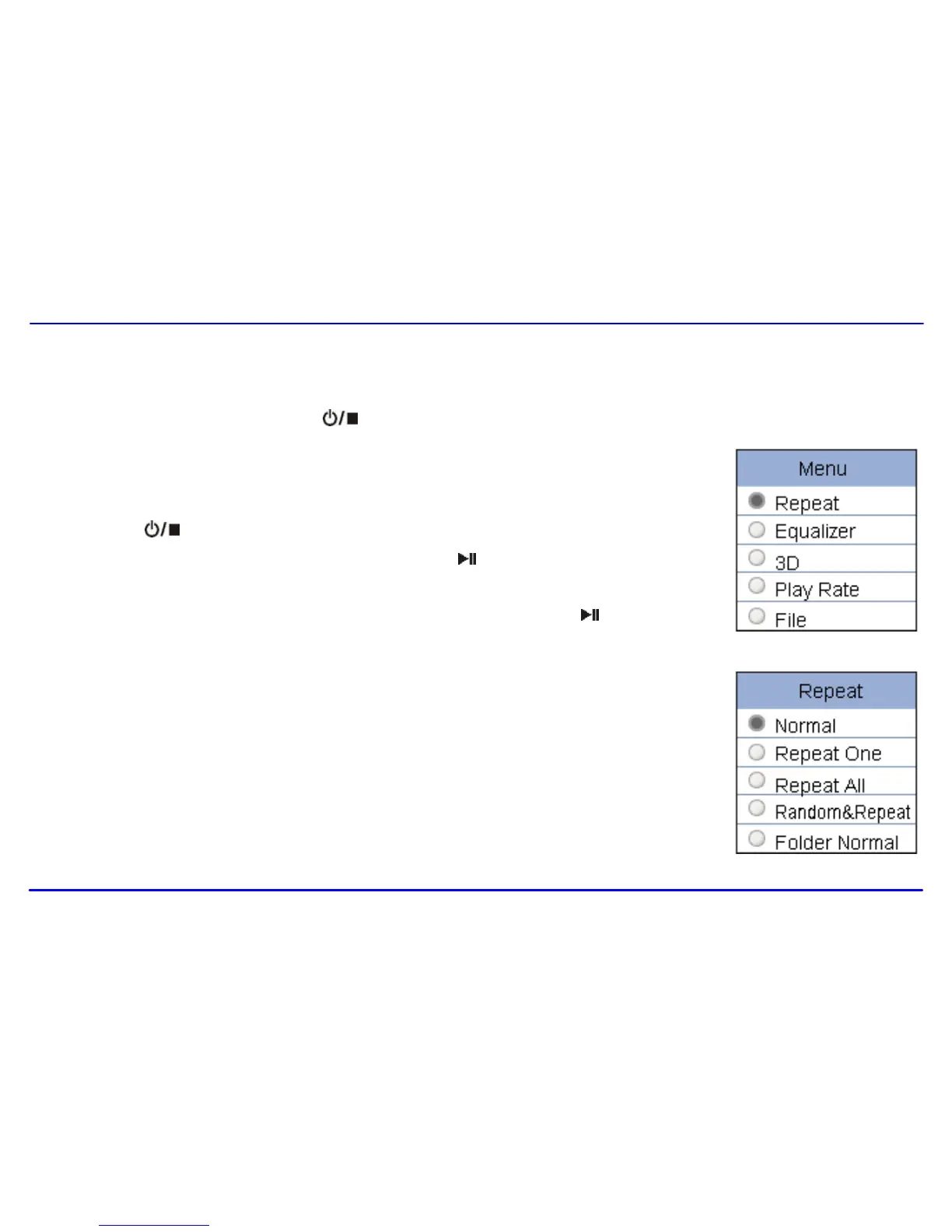
The music menu allows you to manage all factors of listening, such as repeating tracks, selecting equalizers, and so on.
Note: After finishing the music setting, press the [ ] button to exit the music setting menu.
To set play mode
The play mode setting enables you to select a play mode to enjoy the music in desired order.
1. Press the [ ] button while listening to music. The music menu appears on the screen.
2. Press the [] or [] button to select Repeat, and press the [ ] button. The play mode menu appears
on the screen.
3. Press the [] or [] button to select the desired mode as below and press the [ ] button to confirm
and exit.
Normal: Play all saved music files in order once.
Repeat One: Play the current or selected file repeatedly.
Repeat All: Play all the music files in order repeatedly.
Random &Repeat All: Play all the files in random repeatedly.
Folder Normal: Play all the files in the current folder in order once.
Folder Repeat: Play all the files in the current folder repeatedly.
Folder Random: Play all the files in the current folder in random.



 To Next Page