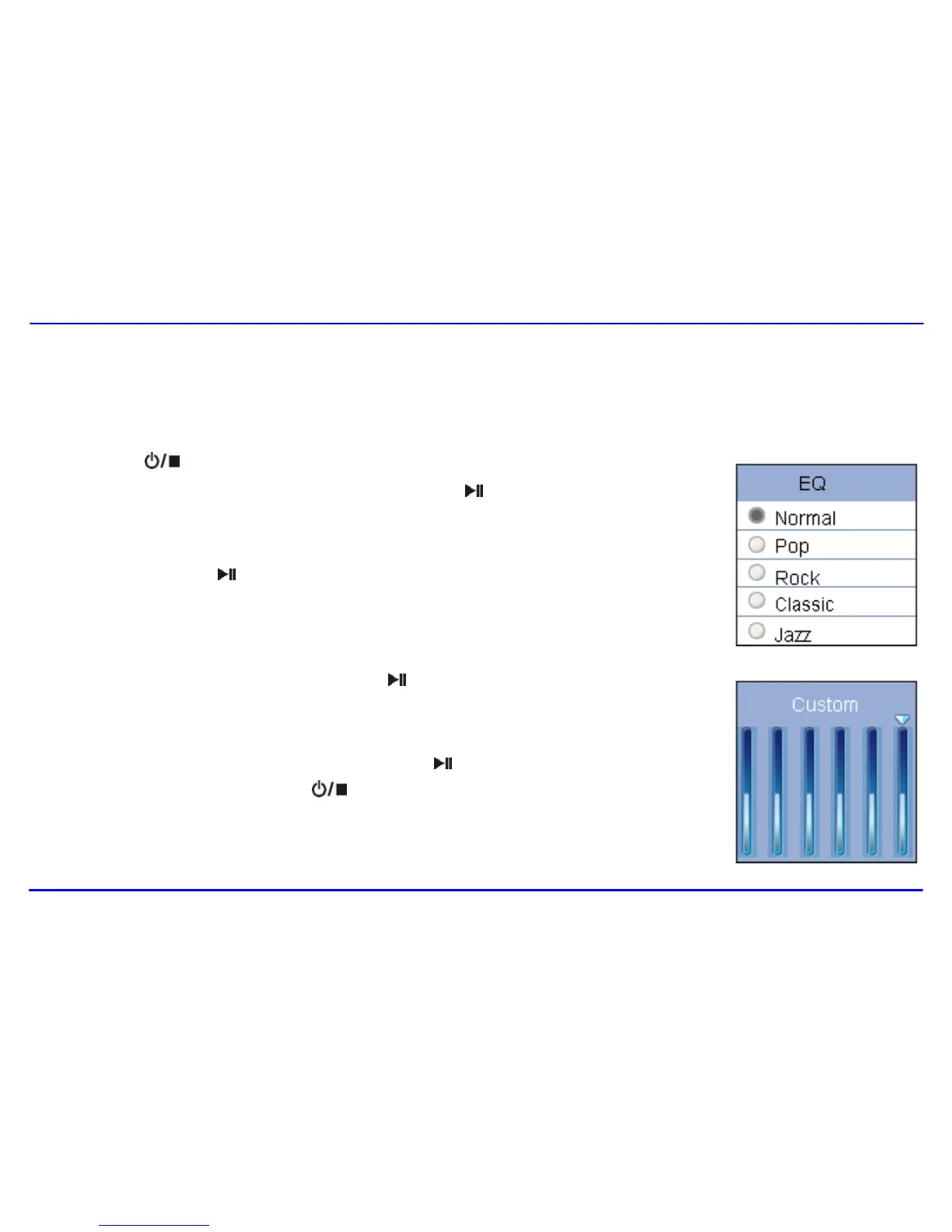
To set equalizer
The equalizer setting enables you to select an equalizer from the six preset equalizer settings to suit the type of audio output or customize your
personal equalizer effect.
1. Press the [ ] button while listening to music. The music menu appears on the screen.
2. Use the [] or [] button to select Equalizer, and press the [ ] button. The equalizer menu appears
on the screen.
3. Use the [] or [] button to select the desired equalizer from Normal, Pop, Rock, Classic, Jazz and
Ultra Bass. Press the [ ] button to confirm and exit.
To customize EQ, select Custom, and press the [ ] button. The Customer EQ menu appears on the
screen.
Press the [] or [] button to navigate between value bars.
Use the [] or [−] button to adjust the value and press the [ ] button to confirm.
After completing the setting, press the [ ] button to exit.



 To Next Page