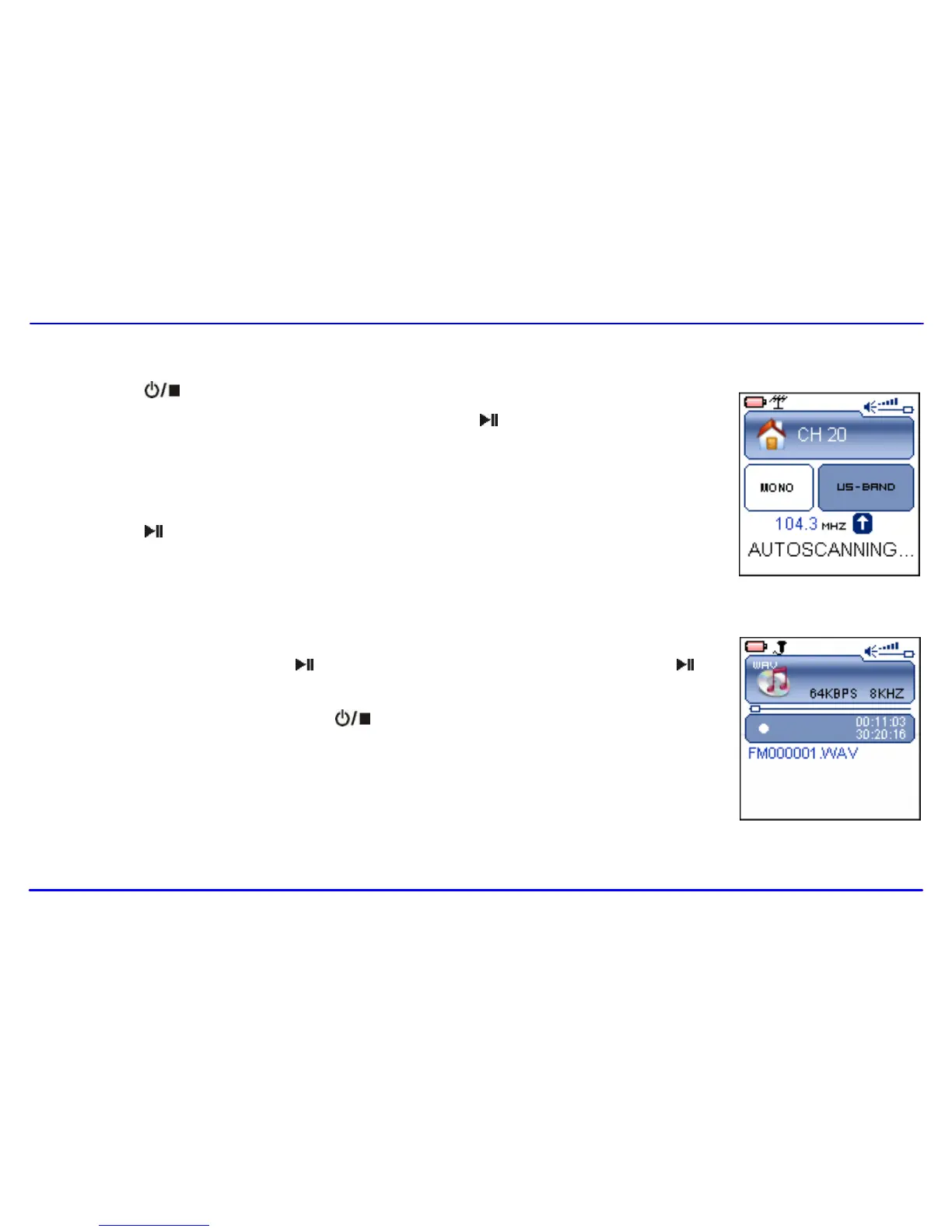
1. Press the [ ] button to open the FM Radio sub-menu.
2. Use the [] or [] button to select the Auto Scan and press the [ ] button to start the search. The MP3
player automatically searches for all radio stations with the strongest reception and save them in the 20
memory locations (CH01-CH20). The unit will start to play the first channel automatically after finishing the
search.
3. Press the [ ] or [A-B/REC] button repeatedly to select and listen to the other saved preset FM channels.
1. Press and hold the [A-B/REC] button to record the FM while listening to the FM radio.
2. To pause the recording, press the [ ] or [A-B/REC] button. To resume the recording, press the [ ] or
[A-B/REC] button again.
3. To stop and finish the recording, press the [ ] button.
The player will return to the FM radio playback mode. The recorded files are saved in the FMIN.DIR folder
of the MP3 player as WAV files (format: FM000001.WAV, FM000002.WAV) and can be listened to in the
Voice mode.
Note: FM recording is automatically stopped when the memory of the player is full or the battery power is no longer
sufficient. Data that has been already recorded is automatically saved.



 To Next Page