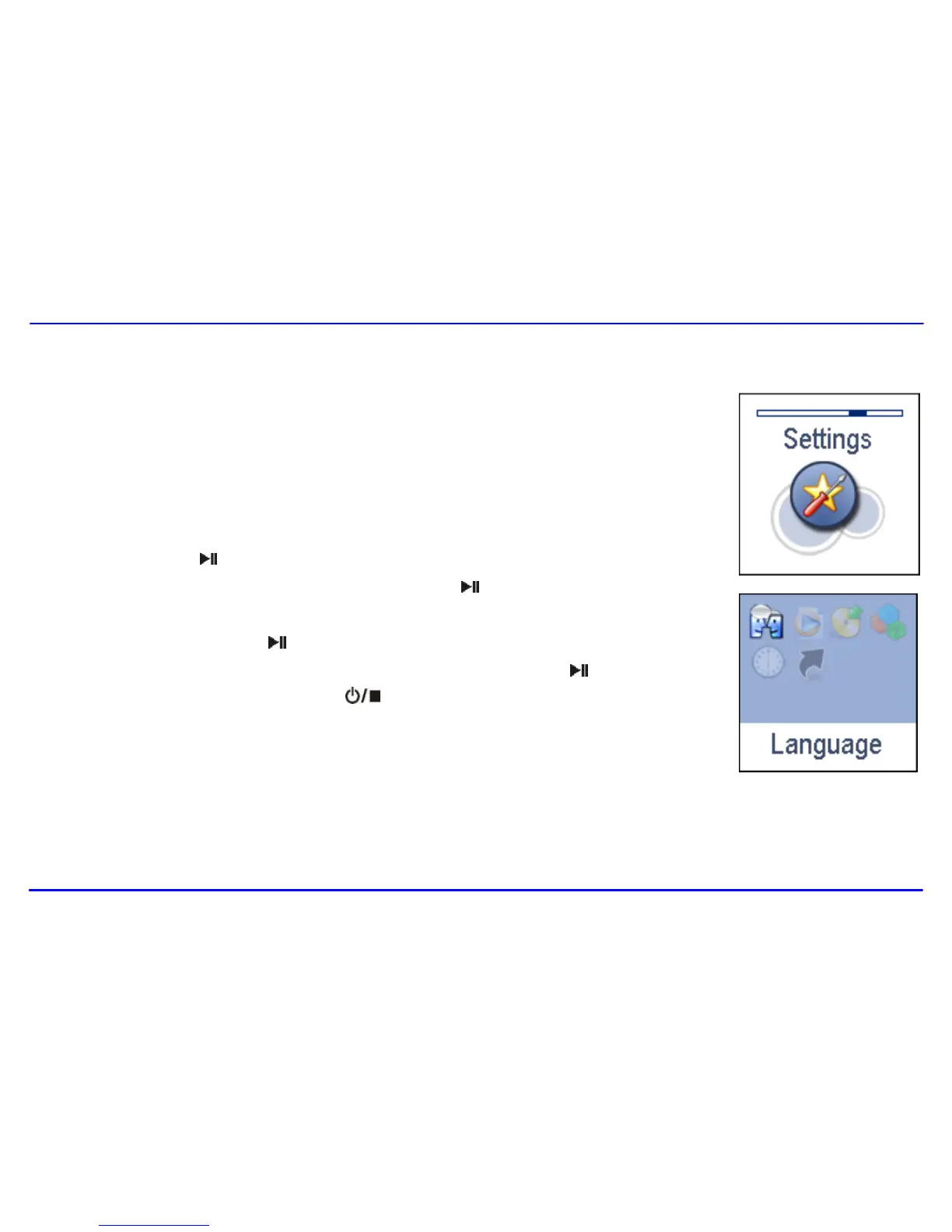
The unit settings can be customized by accessing the Settings Menu. The Settings Menu consists of several items
where various functions can be selected concerning language, play mode, recording, contrast, time off , storage,
reset, etc.
Navigating the settings menu
This section describes how to access and change various features through the MP3 player settings menu.
1. Press and hold the [ ] button to open the main menu.
2. Select the Settings using the [] or [] button and press the [ ] button to open the sub-menu.
3. To select a submenu, press the [] or [] button.
4. To enter a submenu, press the [ ] button.
5. To save an option, press the [] or [] button to select the option and press the [ ] button.
6. To return to the superior directory, press the [ ] button.



 To Next Page