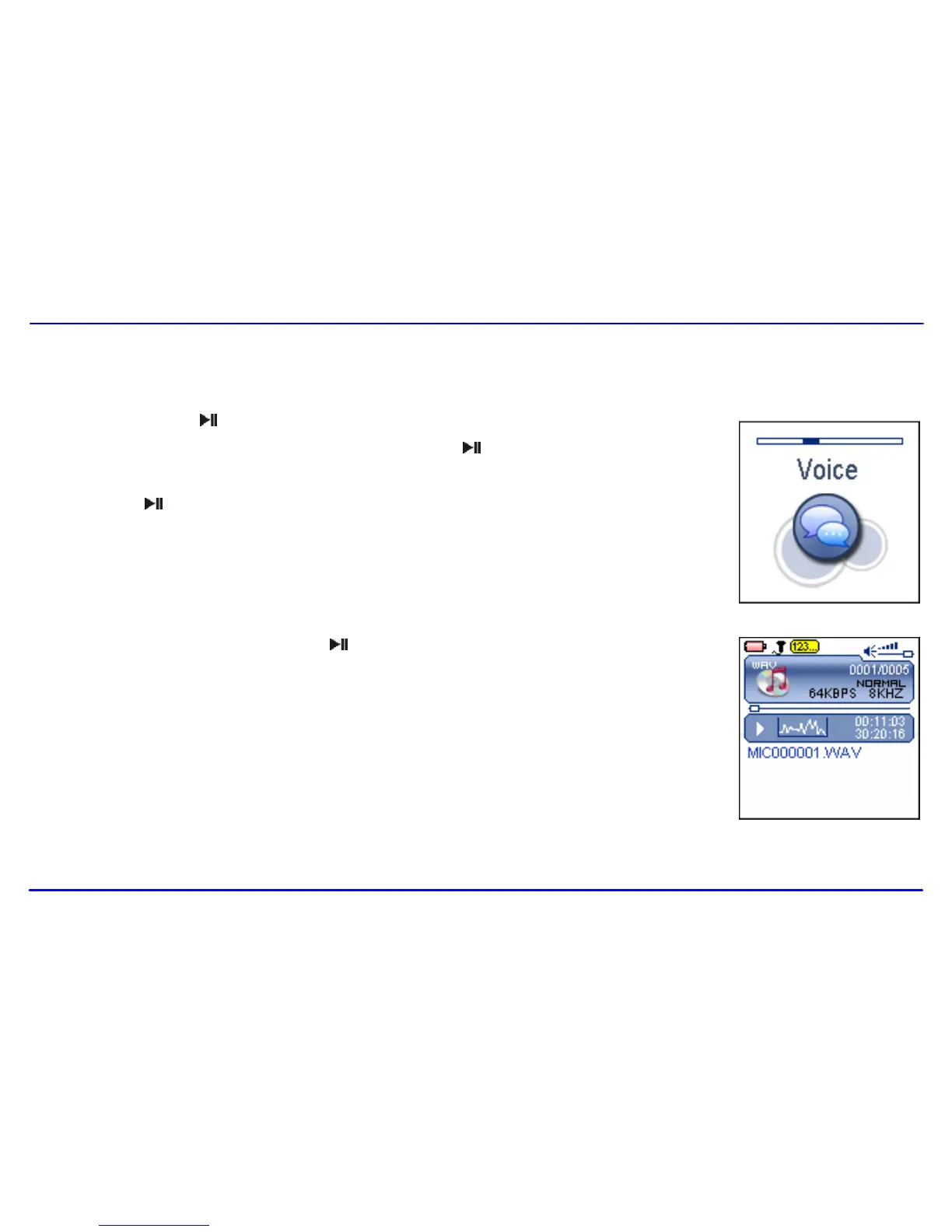
1. Press and hold the [ ] button to enter the main menu.
2. Use the [] or [] button to select the Voice and press the [ ] button. The screen displays the voice
mode and will be in stop mode.
3. Press the [ ] button to play the recording files.
File selected, file searched, and playback function in the Voice mode correspond to the functions in the Music
mode.
Note: To exit the Voice mode, press and hold the [ ] button to return the main menu.



 To Next Page