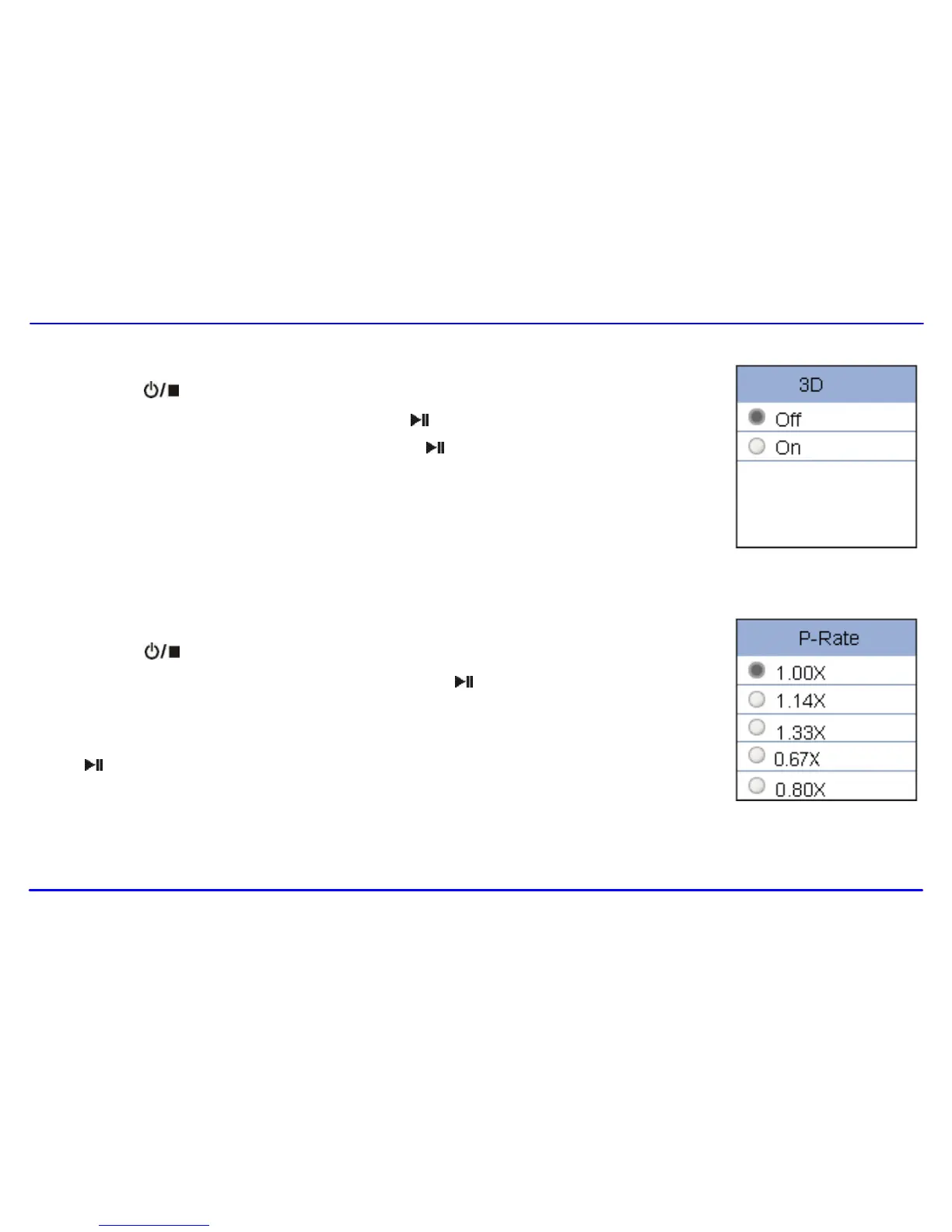
To set 3D effect
1. Press the [ ] button while listening to music. The music menu appears on the screen.
2. Use the [] or [] button to select 3D, and press the [ ] button. The 3D menu appears on the screen.
3. Use the [] or [] button to select On or Off. Press the [ ]] button to confirm and exit.
To set play rate
1. Press the [ ] button while listening to music. The music menu appears on the screen.
2. Use the [] or [] button to select Play Rate, and press the [ ] button. The play rate menu appears on
the screen.
3. Use the [] or [] button to select a play rate from 1.00X, 1.14X, 1.33X, 0.67X and 0.80X. Press the
[ ] button to confirm and exit.



 To Next Page