eMKW-TD0054-21- Page 25
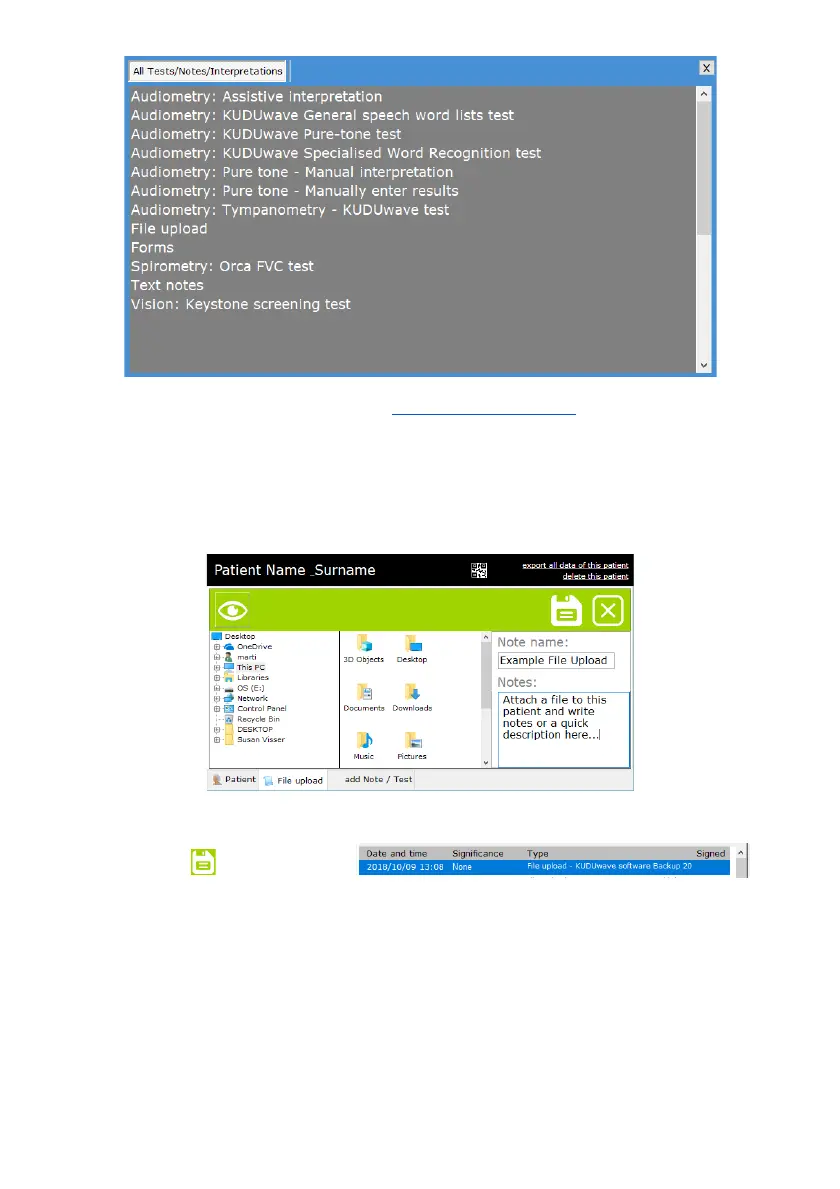
All audiometry listed items are discussed in the “Working with clinical tests
” section. Request the Orca or
Keystone User Manual to find out more about this added feature of the eMoyoEMR software.
File upload
To upload additional digital documents to your patients records such as; clinical notes or old audiograms,
select “File upload” from the +Note / Test menu.
Browse to the file you would like to upload to the patient profile, select it, name it and provide some
details about the file you are uploading.
Click the save icon to upload the file.
Forms
The software comes with built-in patient questionnaires to help supplement your test results. Click on
any of the listed questionnaires, then click on the “Next” arrow to fill it in.



 To Next Page