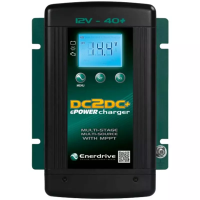
VERSION: REV 2.02 - Feb 2016
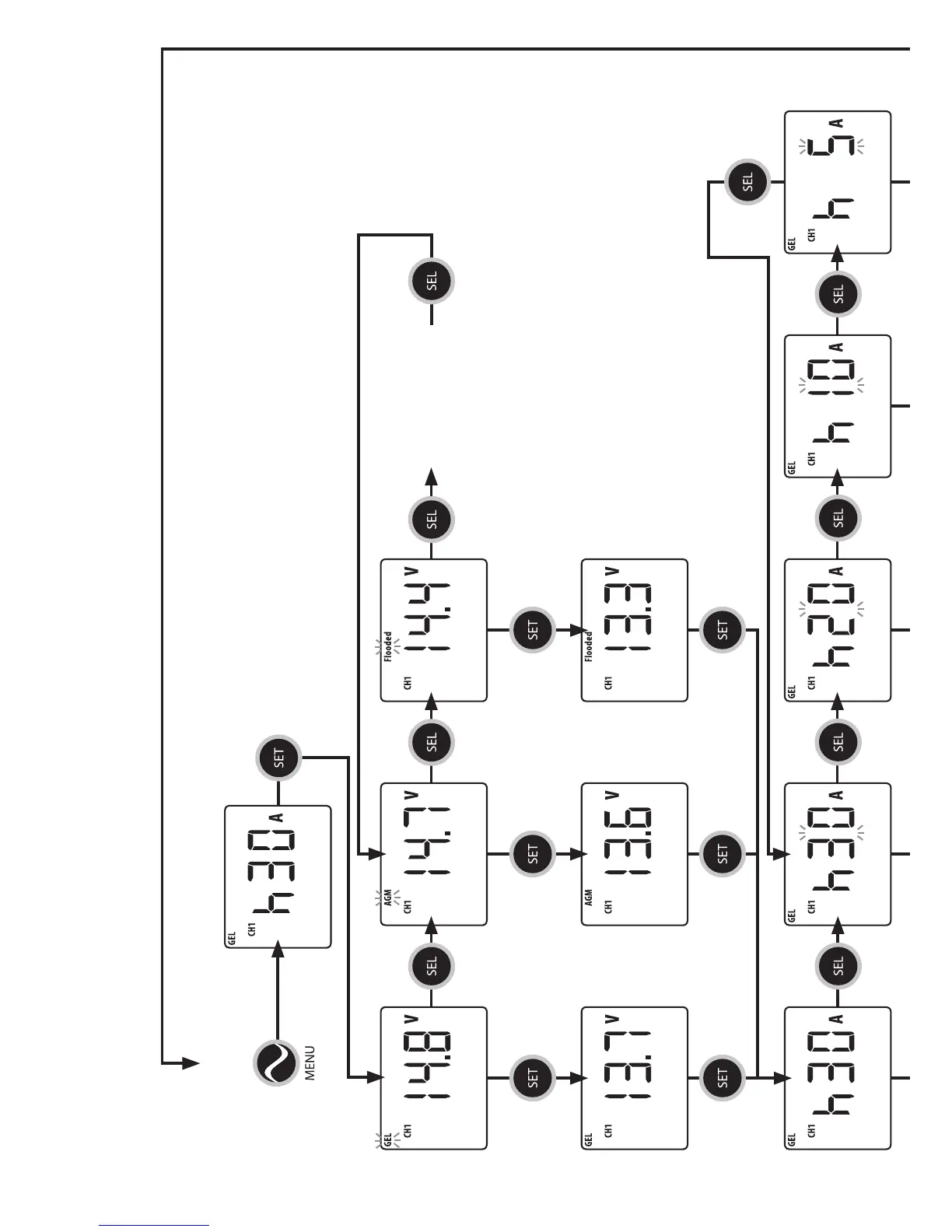
Charger conguration is a simple step by step process as shown below.
For Tech Support call Enerdrive on 1300 851 535
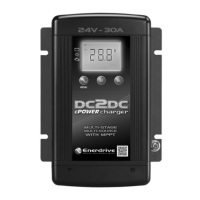
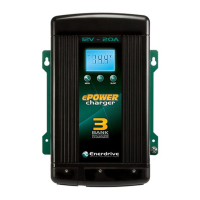
NOTE: The current setting below is based on the EN3DC30 battery charger.
Display will show recent setting.
CH1 BATTERY TYPE
CH1 BULK
CURRENT
Display shows GEL & Bulk
Voltage as currently set.
Display shows Bulk Current as
currently set.
Display shows the Float
voltage for GEL.
Display shows the Float
voltage for AGM.
Display shows the Float
voltage for Flooded.
Press SEL
to change
battery type
Press SEL
to enter high
current menu
Press SEL
to change
battery type
Press SEL
to change
battery type
Press SEL
to return to
battery type
Press SET to enter
BATTERY TYPE
selection menu
Press SET to keep the
current setting and
toggle to the next menu
Press SET to keep the
current setting and
toggle to the next menu
Press SET to keep the
current setting and
toggle to the next menu
Press SET to keep the
current setting and
toggle to the next menu
Press SET to keep the
current setting and
toggle to the next menu
Press SET to keep the
current setting and
toggle to the next menu


 To Next Page