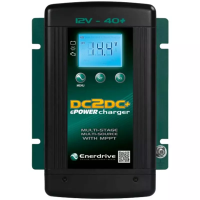
NOTE: At any function setting, pressing the MENU button will exit the function mode.
WARNING: FIRE HAZARD
When using the Program Mode to set the battery charging parameters, please consult the battery manufacturer on all the voltage and
current settings. Using the wrong setting to charge battery may overcharge, damage the battery and may cause a re.
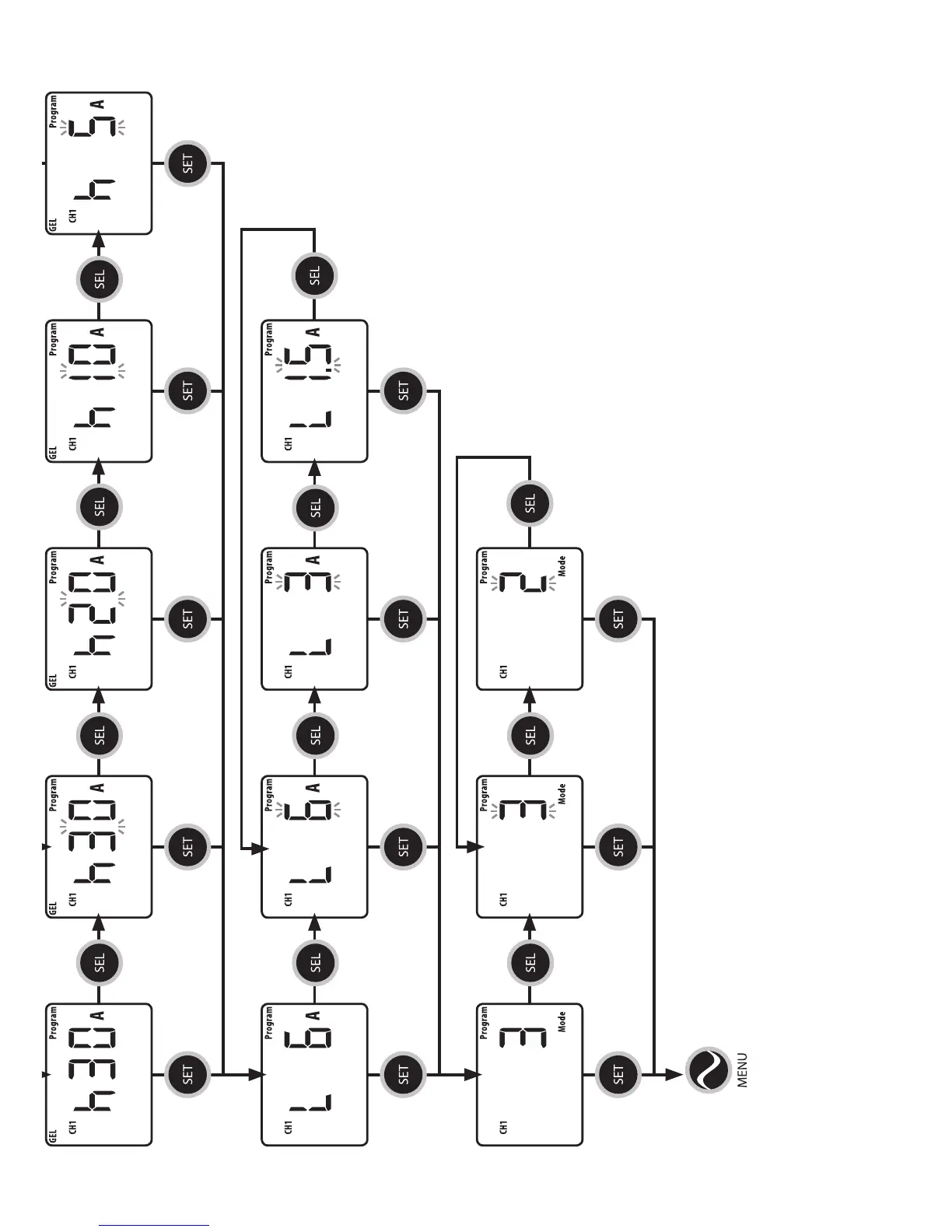
CH1 BULK
CURRENT
CH1 CHARGE MODE
CH1 ABSORPTION TO
FLOAT CURRENT
Display shows Bulk Current as
currently set.
Display shows Absorption to
Float as currently set.
Display shows
Charge Mode as
currently set.
Press SEL
to return to
change current
Press SEL
to return to
change mode
Press MENU to exit settings
Press SET to keep the
current setting and
toggle to the next menu
Press SET to keep the
current setting and
toggle to the next menu
Press SET to keep the
current setting and
toggle to the next menu
Press SET to keep the
current setting and
toggle to the next menu
Press SET to keep the
current setting and
toggle to the next menu
Press SET to keep the
current setting and
toggle to the next menu
Press SET to keep the
current setting and
toggle to the next menu
Press SET to keep the
current setting and
toggle to the next menu
Press SET to keep the
current setting and
toggle to the next menu
Press SET to keep the
current setting and
toggle to the next menu
Press SET to keep the
current setting and
toggle to the next menu
Press SET to
keep the current
setting and
toggle to the
next menu
Press SEL
to enter Max
Current Menu
Press SEL
to enter Low
Current Menu
Press SEL
to enter Mode
Menu
Press SEL
to change
current
Press SEL
to change
current
Press SEL
to change
mode
Press SEL
to change
current
Press SEL
to change
current
Press SEL
to change
current


 To Next Page