GB
>> assembly and activation >> 005
!
Not all models are equipped with hand pulse sensors, in this case
there will be no hand pulse cable!
!
If the computer does not receive a signal for more then 4 minutes
the sleep mode is activated.
Assembly and activation
Connecting the computer
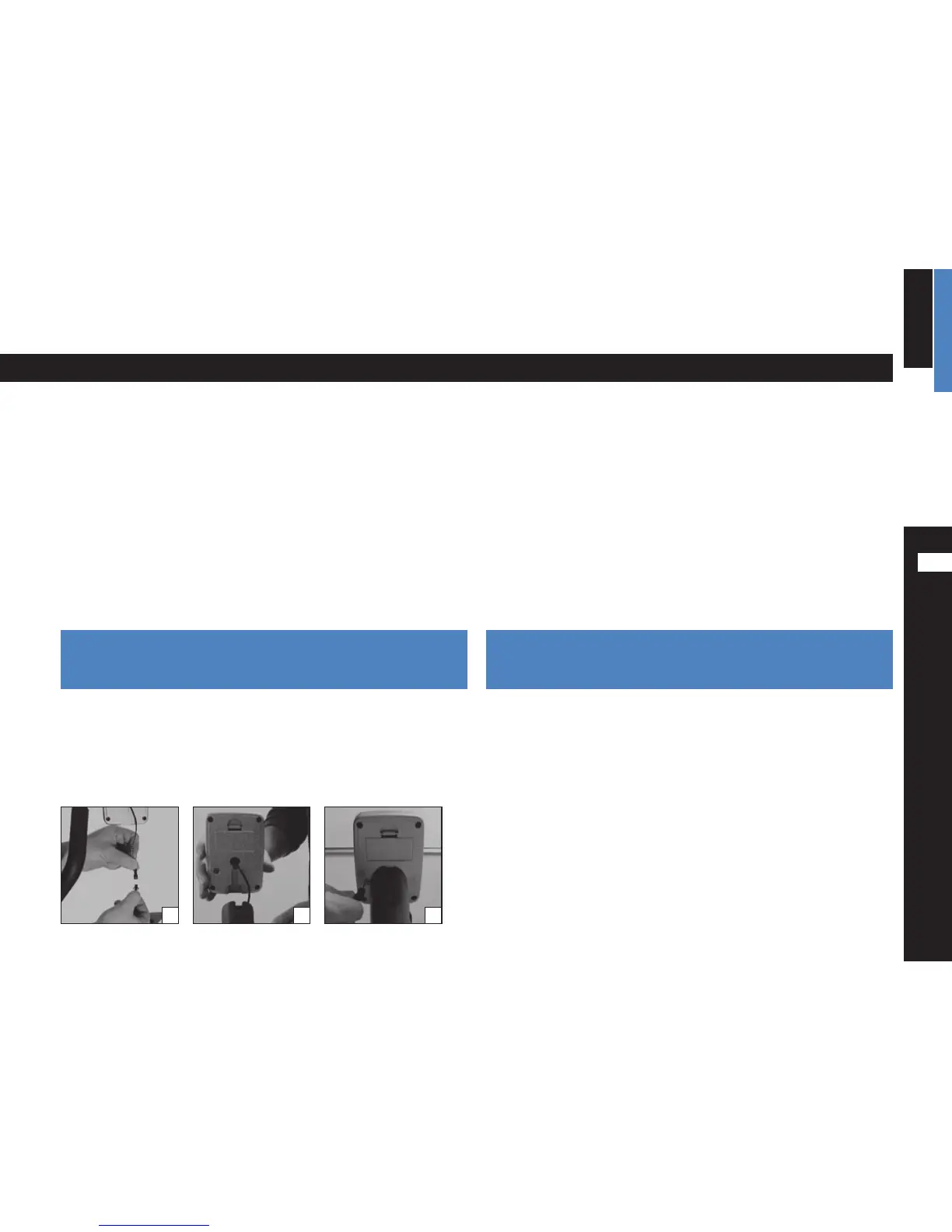
Data cable: Connect the data cable coming from the equipment with the
one coming from the computer [1].
Mounting:
Attach the computer to the mount on the equipment. Carefully
slide the insert sleeve on the back of the computer over the mount on the
centre post [2].
Pay attention not do damage the data cable when sliding the computer
housing over the mount.
Hand pulse sensors:
Plug the hand pulse cable into the connector on the
back of the computer [3].
Computer activation
The computer can be activated by pressing the MODE-key or when the user
starts to pedal.
The computer will display the training time.
Sleep mode
Should the E-101 not receive a signal for more than 4 minutes it changes into
the sleep mode. The display turns dark. To start again press any key or start
to pedal.
All values are reset.
Power supply: T
he computer is powered with two batteries. Make certain
that the batteries are inserted correctly (polarity +/–).
1 2 33



 To Next Page
 Loading...