User Manual
>> quick start | measured values >> 006
!
Reset all settings – RESET
To return the computer to its original settings press the function
key MODE 2 seconds. The display will show the original values.
!
The computer uses kilojoules as unit to measure energy used.
Calories and kilojoules are terms that are sometimes confused or
wrongly interpreted.
Conversion:
1 kilojoule = 0,239 kilocalories
1 kilocalorie = 4,189 kilojoule
Quick start
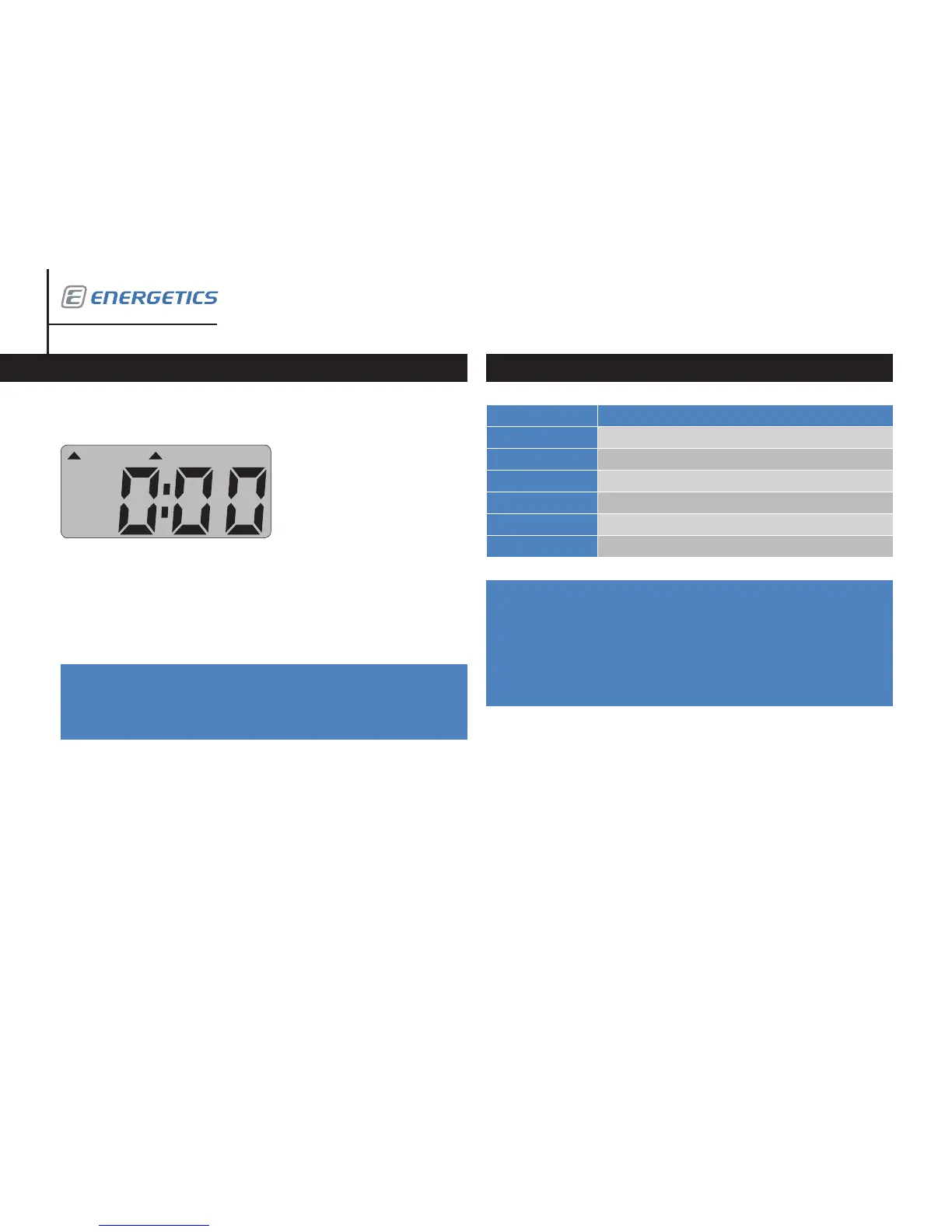
Press the MODE-key or start to pedal. The computer starts automatically.
The display will scan through the current values of the various read outs
(workout time, calories used, travelled total kilometres, speed, workout dis-
tance
and your current heart rate while holding the hand pulse sensors.
Please read this manual carefully before you start your training.
Explanation
Workout time Shows workout time in minutes.
Workout distance Shows workout distance in kilometres.
Calories used Shows calories used during workout in kilojoules.
Heart rate Shows current heart rate in beats per minute.
Speed Shows speed in kilometres per hour (kph).
ODO Shows total kilometres travelled.
Measured values


 To Next Page
 Loading...