4 Configuration
4. Configuration
4.1. Update software in DC2
A. If your version of Microconf is older than 4.9.0, you must download and install the latest
version of MicroConf from: https://software.engcon.com
B. Switch off C2C by doing one of the following:
- Switch off the excavator guidance system.
- Unplug the connector from C2C.
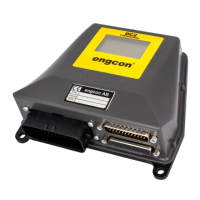
C. Connect the cab module USB cable to the computer; see figure below3.1. System
overview
D. Open MicroConf.
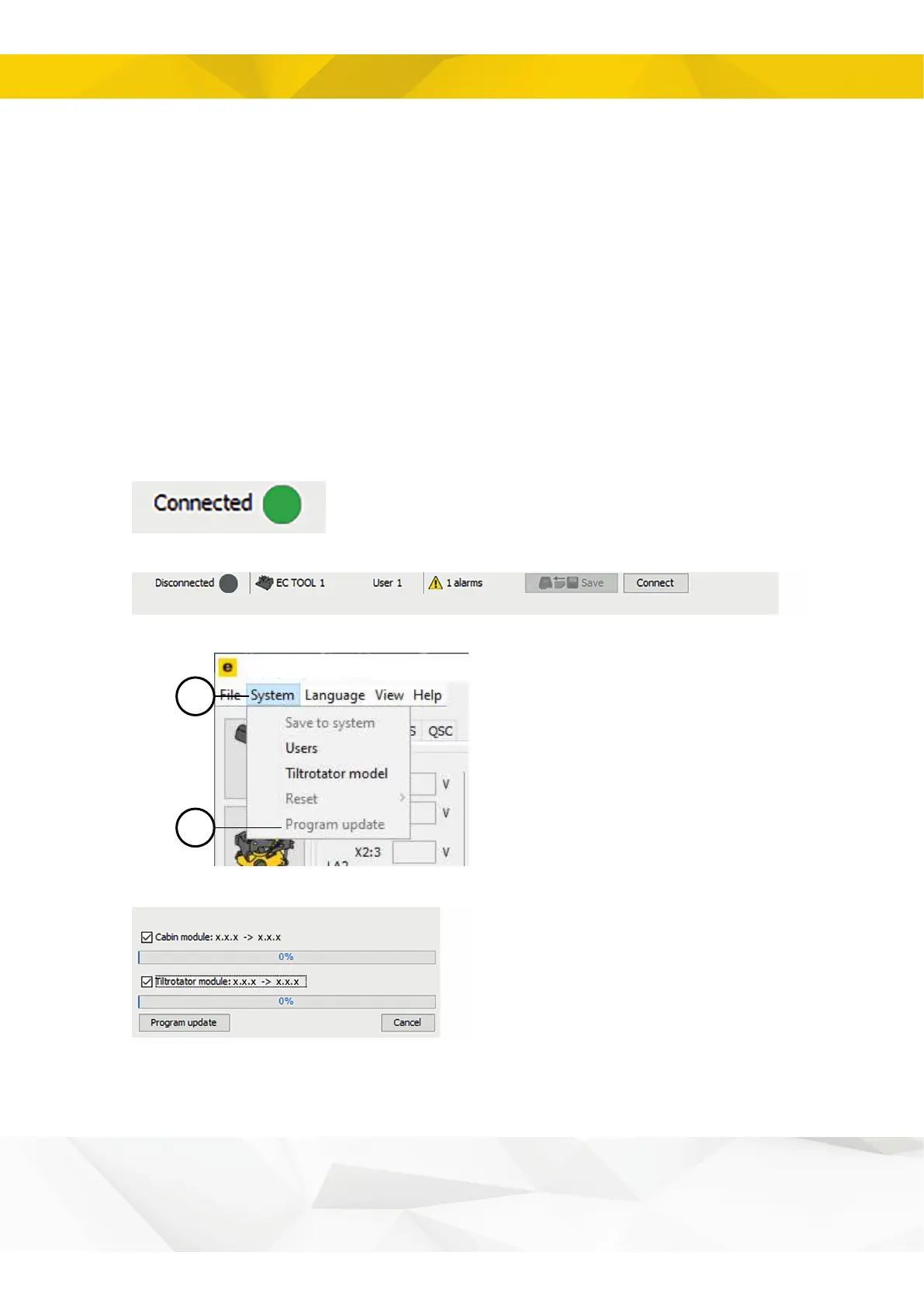
E. Check that you are online.
If you are offline, you can get online by selecting “Connect”.
F. Go to System > Update software
G. To begin updating, select Cab module, Tiltrotator module and then Update software.
10


 To Next Page