25
5.2 Main
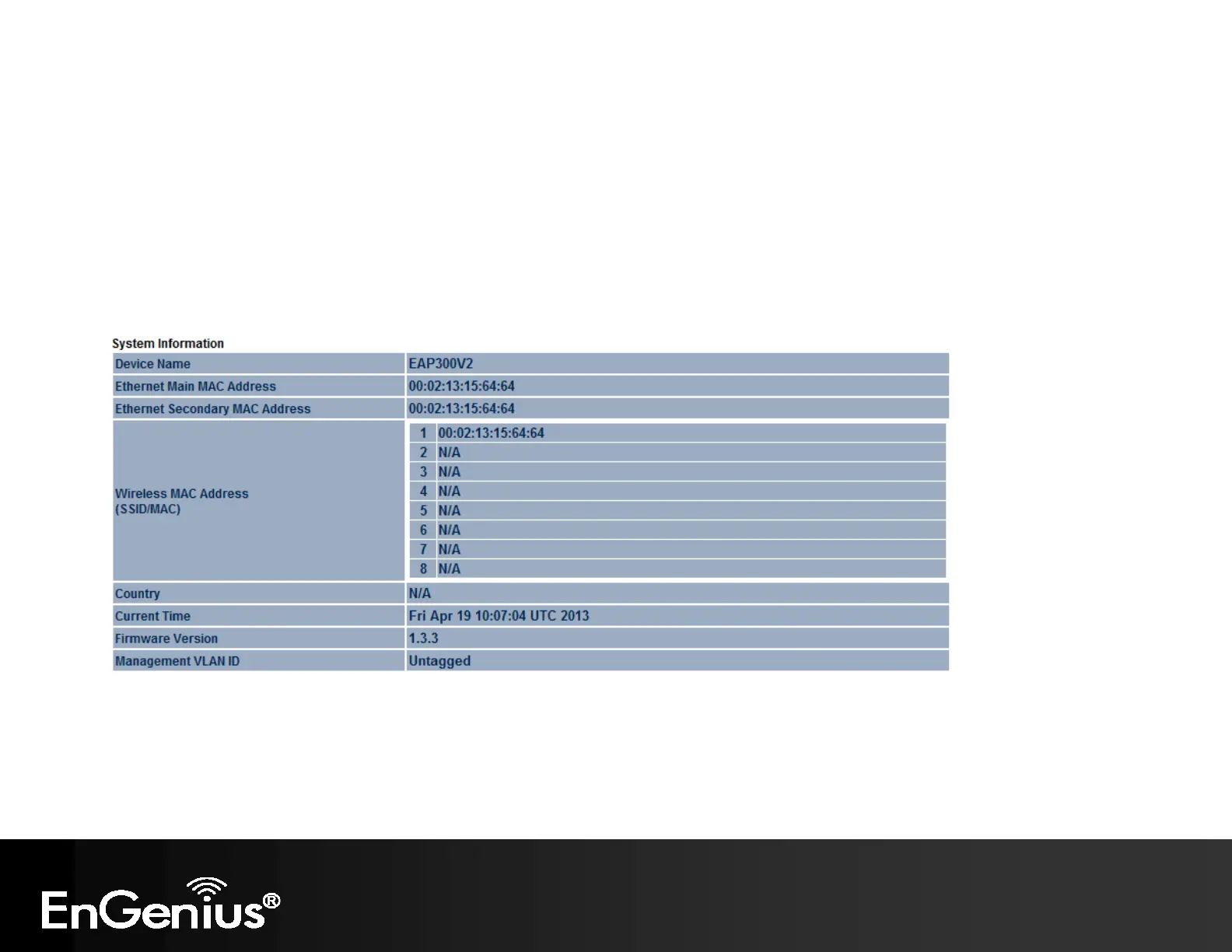
Clicking the Main link under the Status menu or clicking Home at the top-right of the EAP300 Page shows the status
information about the current operating mode.
- The System Information section shows general system information such as Device Name, MAC Address, Current Time,
Firmware Version, and Management VLAN ID (Note: VLAN ID is only applicable in Access Point / WDS AP mode).



 To Next Page