24
5.2 IP Settings
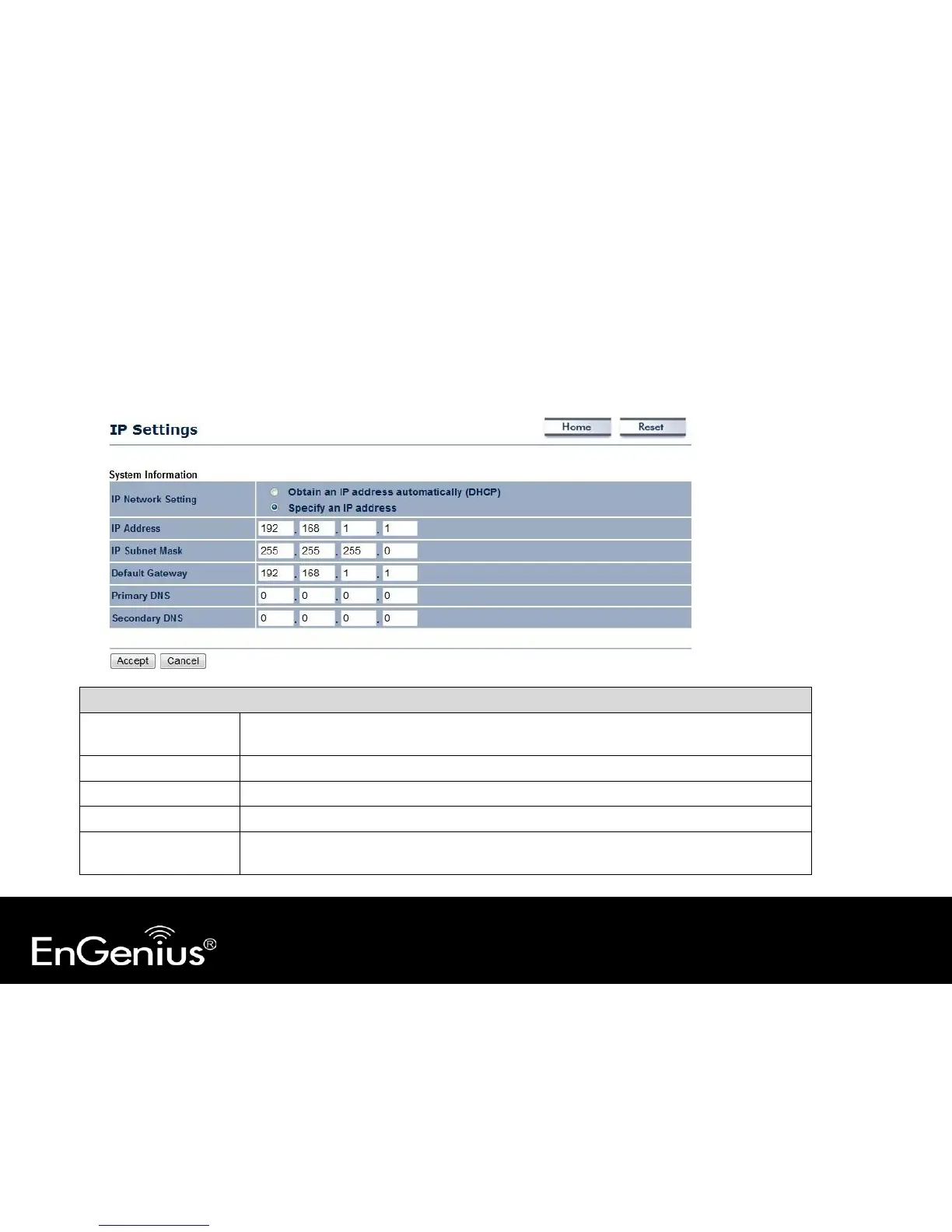
This page allows you to modify the device's IP settings.
IP Settings
IP Network Setting Select whether the device IP address will use the static IP address specified in the IP Address
field or be obtained automatically when the device connects to a DHCP server.
IP Address The IP Address of this device.
IP Subnet Mask The IP Subnet Mask of this device.
Default Gateway The Default Gateway of this device. Leave it blank if you are unsure of this setting.
Primary / Secondary
DNS
The primary / secondary DNS address for this device.



 To Next Page