45
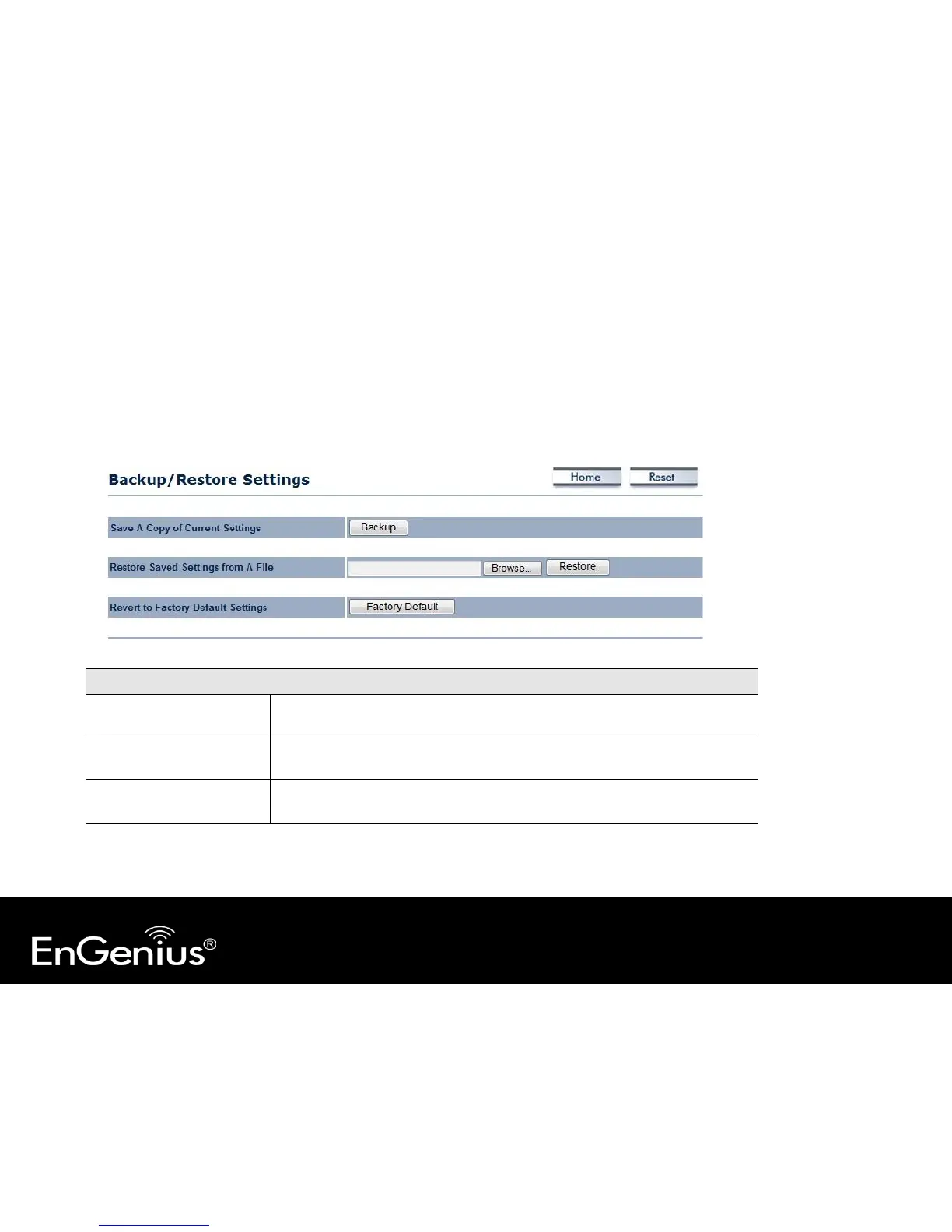
7.4 Backup/Restore
This page allows you to save the current device configurations. When you save the configurations, you also can re-load
the saved configurations into the device through the [
Restore Saved Settings from A File]. If extreme problems occur
you can use the [Revert to Factory Default Settings] to set all configurations to its original default settings.
Save A Copy of Current
Settings
Click [Backup] to save the current configured settings.
To restore settings that have been previously backed up, click [Browse], select
the file, and click [Restore].
Revert to Factory Default
Settings
Click [Factory Default] button to restore the EAP350 to its factory default
settings.



 To Next Page