39
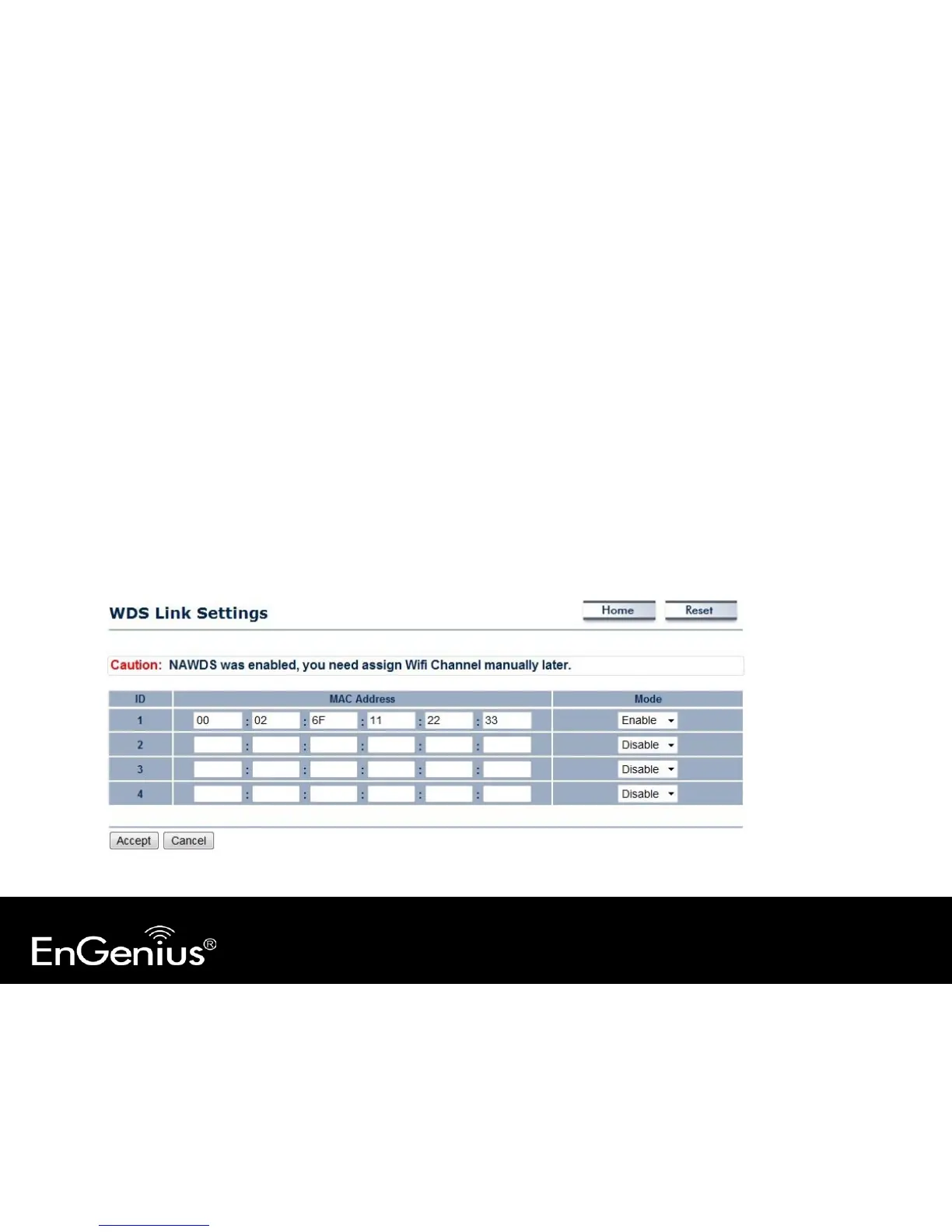
6.6 WDS Link Settings
Using WDS (Wireless Distribution System) to connect Access Point wirelessly, and in doing so extend a wired
infrastructure to locations where cabling is not possible or inefficient to implement.
Note that compatibility between different brands and models is not guaranteed. It is recommended that the WDS
network be created using the same models for maximum compatibility.
Also note that all Access Points in the WDS network needs to use the same Channel and Security settings.
To create a WDS network, please enter the MAC addresses of the Access Points that you want included in the WDS. There
can be a maximum of four access points.
Note: Only in WDS AP and WDS Bridge mode.



 To Next Page