46
7.5 Firmware Upgrade
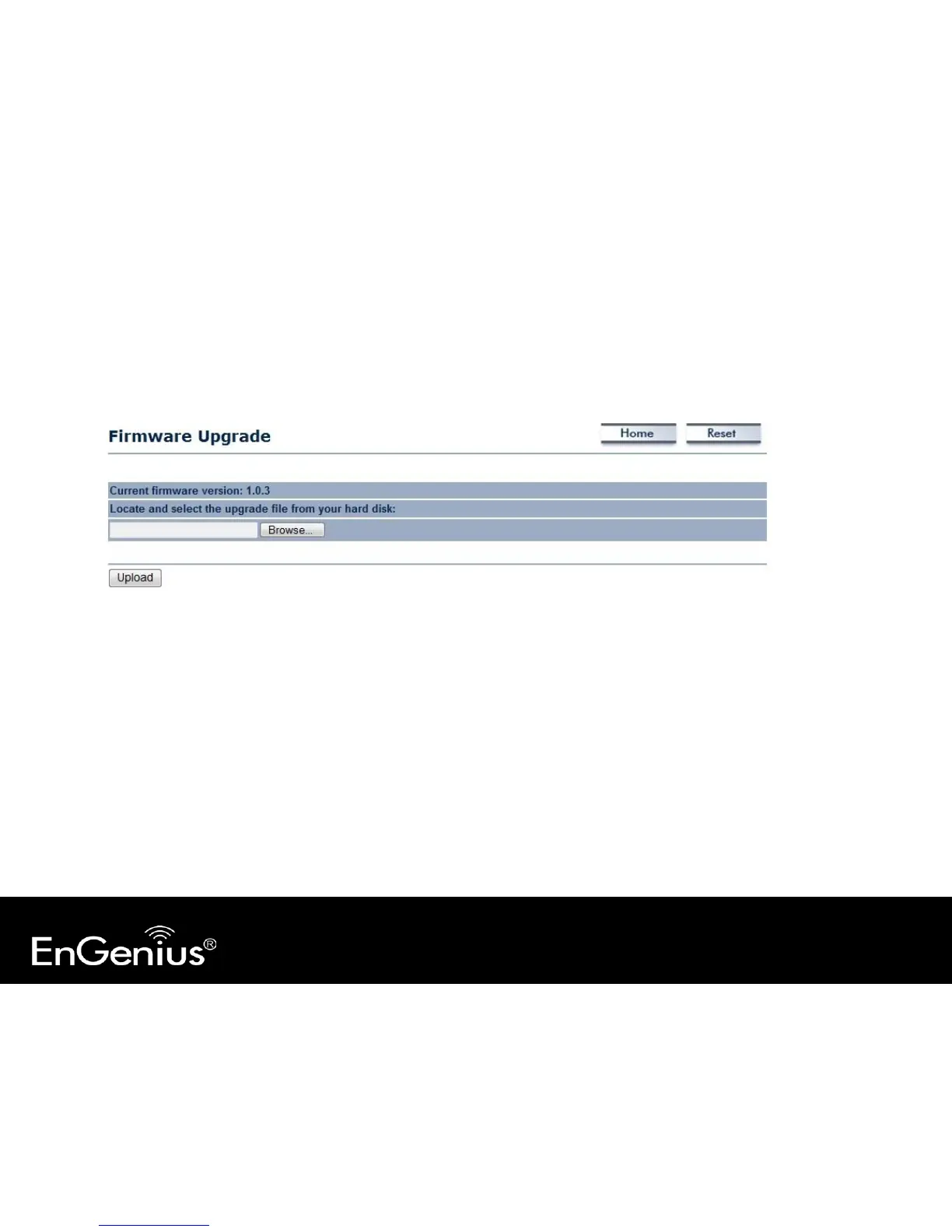
This page allows you to upgrade the device's firmware.
To perform the Firmware Upgrade:
1. Click the [Browse] button and navigate to the location of the upgrade file.
2. Select the upgrade file. Its name will appear in the Upgrade File field.
3. Click the [Upload] button to commence the firmware upgrade.
Note: The device is unavailable during the upgrade process, and must restart when the upgrade is completed. Any connections to or through the
device will be lost.



 To Next Page