43
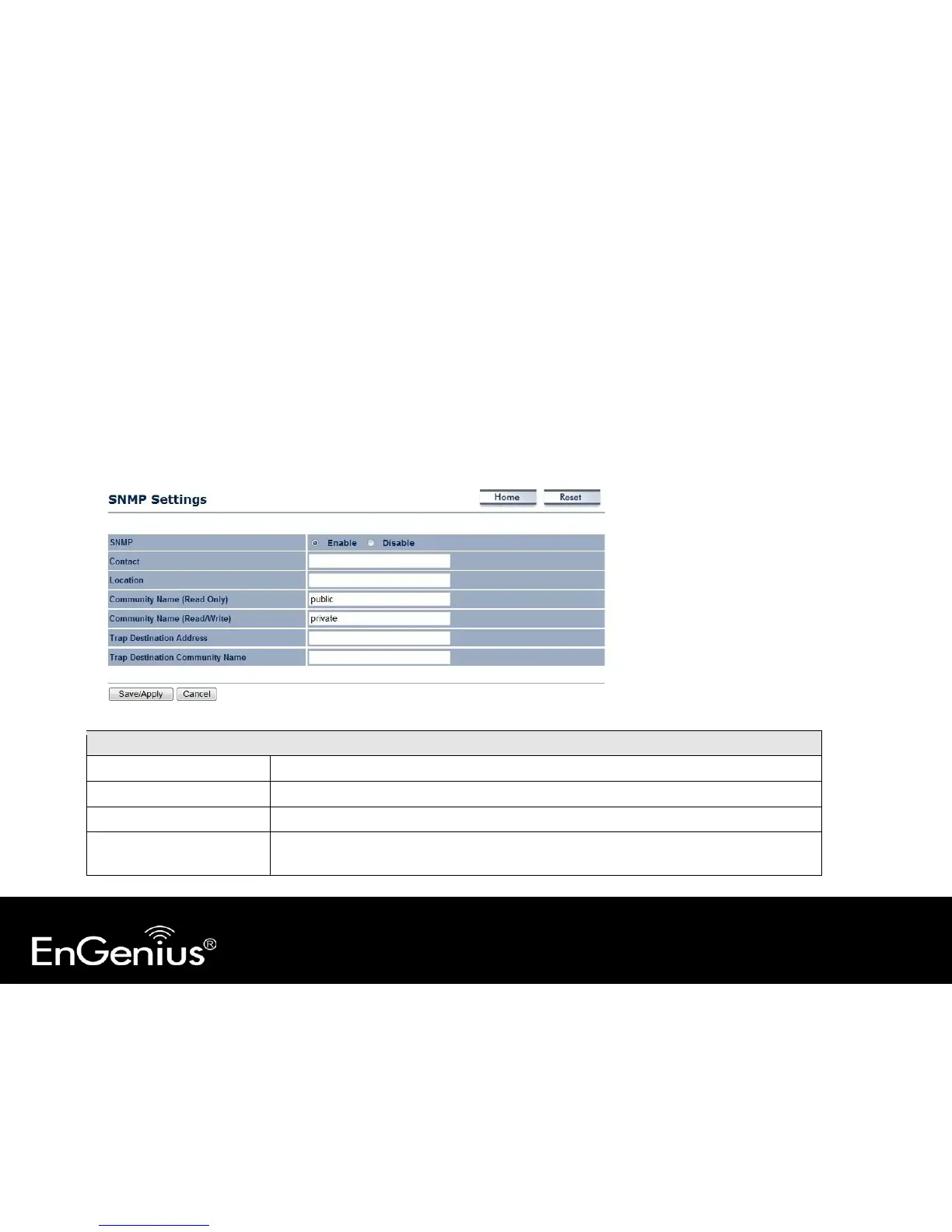
7.3 SNMP
This page allows you to assign the contact details, location, community name and trap settings for SNMP. This is a
networking management protocol used to monitor network-attached devices. SNMP allows messages (called protocol
data units) to be sent to various parts of a network. Upon receiving these messages, SNMP-compatible devices (called
agents) return data stored in their Management Information Bases.
SNMP
SNMP Enable/Disable Enable or disable SNMP feature.
Contact Specify the contact details of the device



 To Next Page