41
7 Management
7.1 Administration
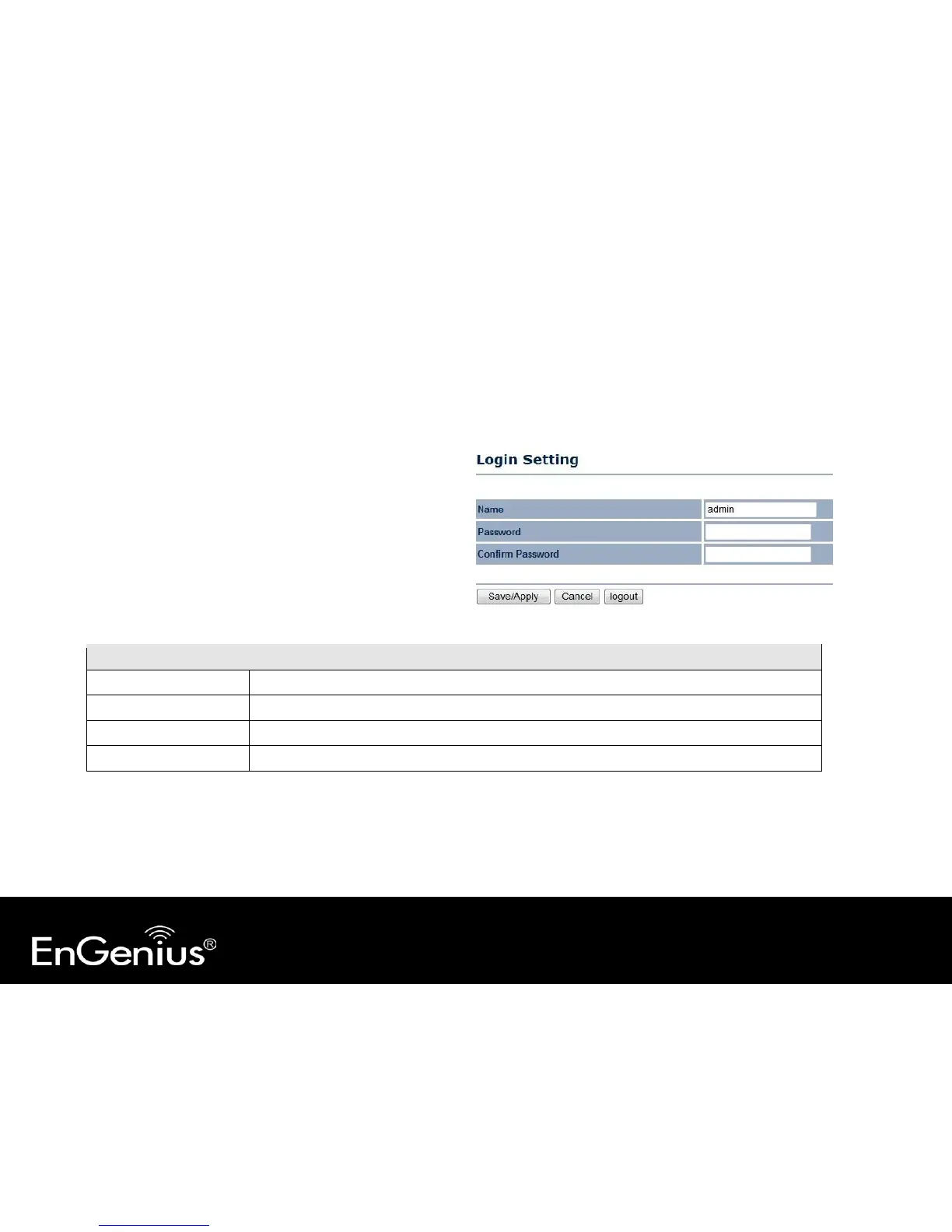
This page allows you to change the system password
and to configure remote management. By default, the
user name is admin and the password is: admin.
Password can contain 0 to 12 alphanumeric characters
and are case sensitive.
Change Password
Name Enter a new username for logging in to the Web Configurator.
Password Enter a new password for logging in to the Web Configurator.



 To Next Page