PRODUCT OVERVIEW PRODUCT LAYOUT
1-7
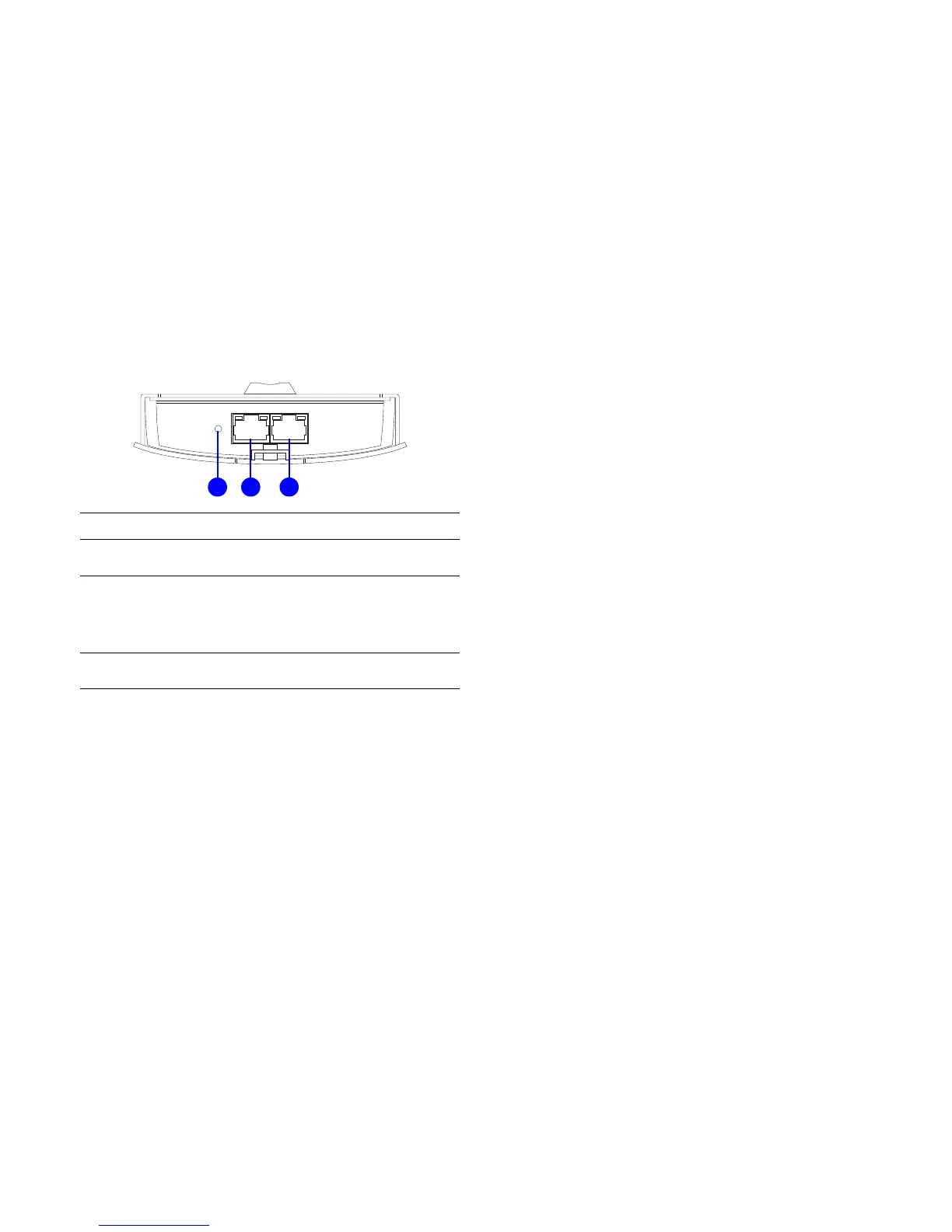
BOTTOM VIEW DESCRIPTION
A Reset Button
To reset to factory settings, press button for >
10 seconds.
B LAN Connector
To configure the ENS202EXT, connect an
Ethernet cable to an Ethernet adapter on a
computer. For more information about
configuring individual features, see Logging
In.
C PoE LAN Connector
The PoE interface allows the ENS202EXT to
be powered using the supplied PoE injector













 To Next Page