INSTALLATION INSTALLING THE DEVICE
2-4
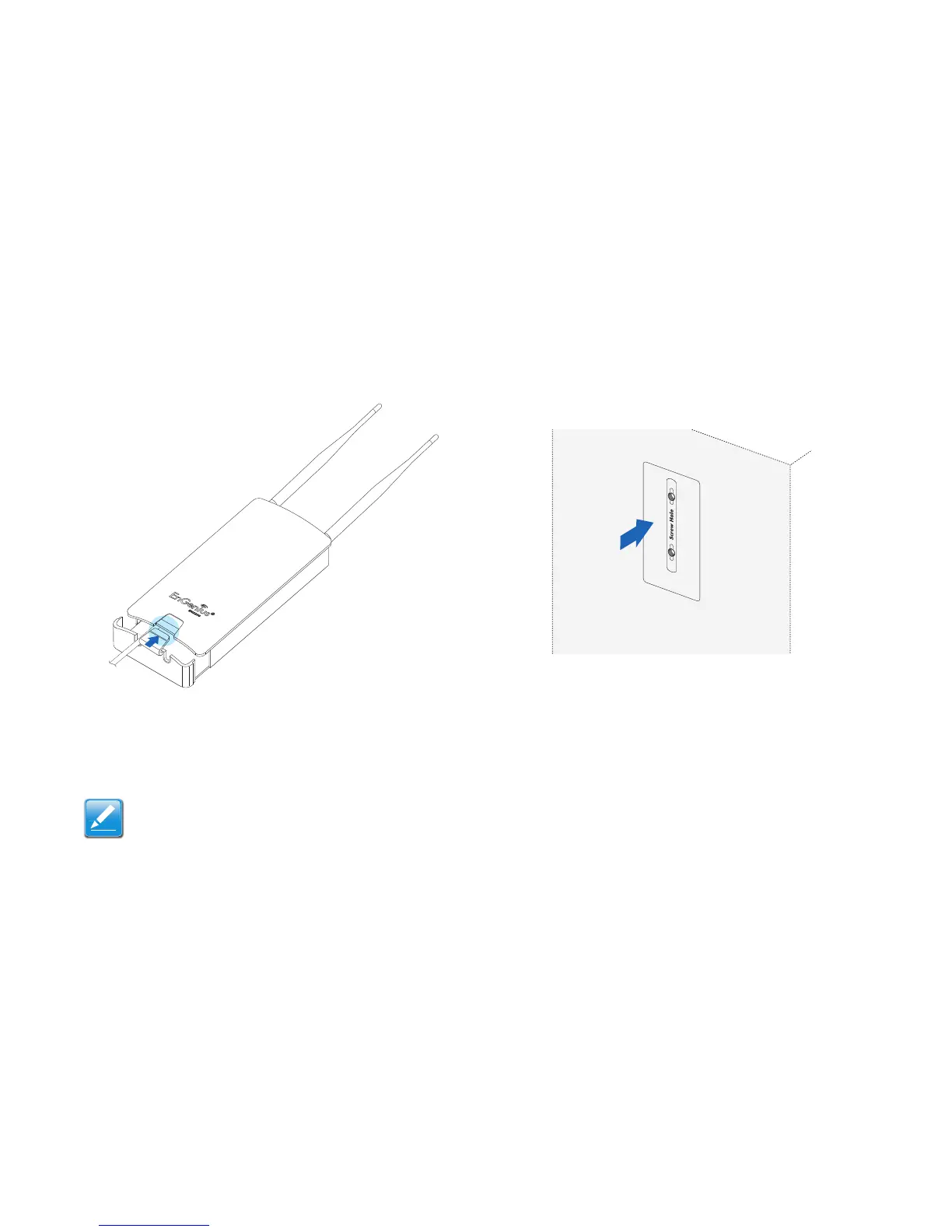
7. Install the bottom cover securely to protect the RJ-45 con-
nectors.
Figure 2-3: Installing the RJ-45 Port Cover
8. Turn over the ENS202EXT.
To mount the ENS202EXT on a wall or a pole, follow these
steps:
Wall mount:
1. Secure the adhesive label to a position on the wall where
you would like to install the ENS202EXT.
Figure 2-4: Screw Layout Adhesive Label













 To Next Page