BASIC NETWORK SETTINGS CONFIGURING DEMILITARIZED ZONE
4-21
4.3.5 Configuring Demilitarized Zone
Configuring a device on the LAN as a demilitarized zone (DMZ) host allows unrestricted two-way Internet access for Internet applica-
tions, such as online video games, to run from behind the NAT firewall. The DMZ function allows the router to redirect all packets
going to the WAN port IP address to a particular IP address on the LAN. The difference between the virtual server and the DMZ func-
tion is that a virtual server redirects a particular service or Internet application, such as FTP, to a particular LAN client or server,
whereas a DMZ redirects all packets, regardless of the service, going to the WAN IP address to a particular LAN client or server.
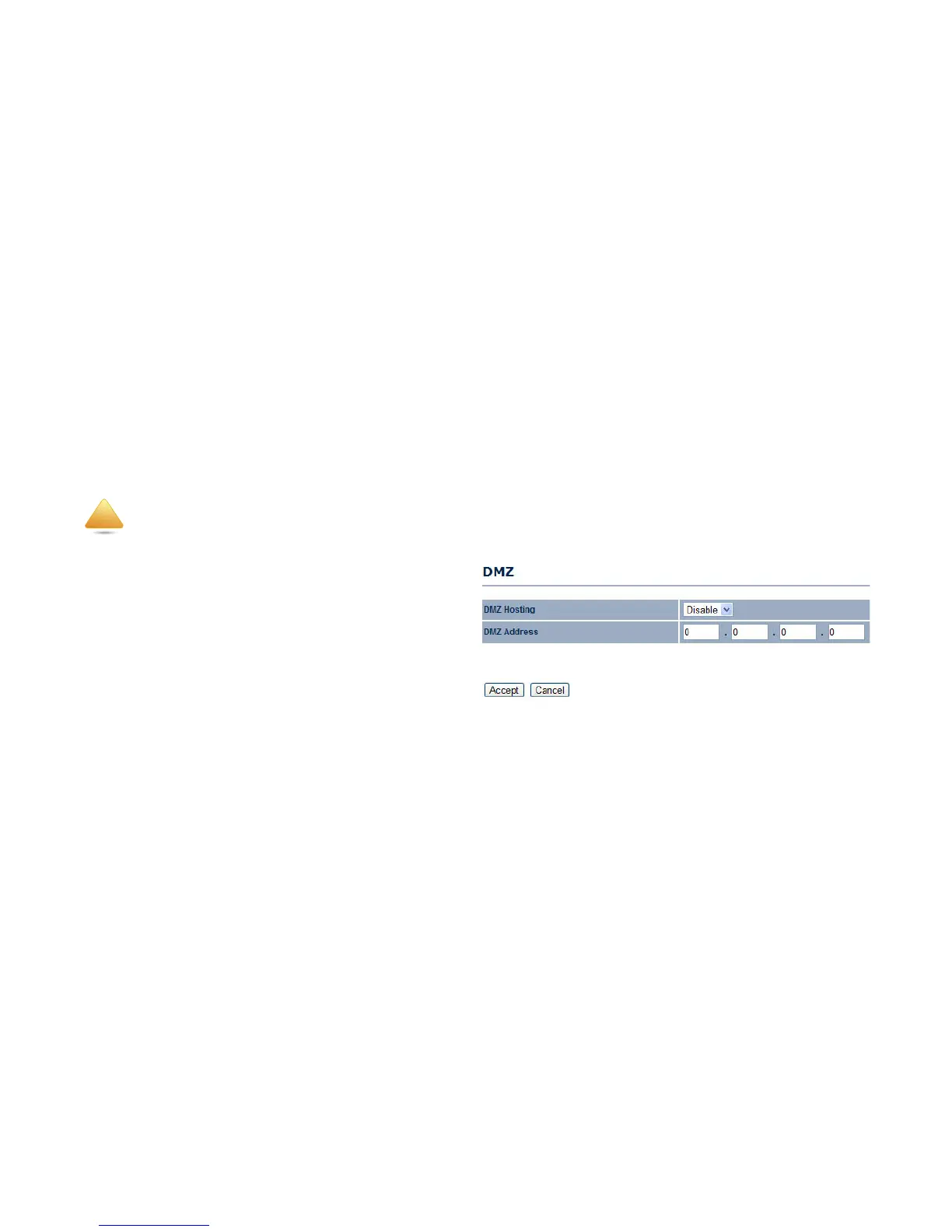
DMZ Hosting Select Enable DMZ to activate DMZ functionality.
DMZ Address Enter an IP address of a device on the LAN.
Click Accept to confirm the changes or Cancel to cancel and
return previous settings.
The PC defined as a DMZ host is not protected by the firewall and is vulnerable to malicious network attacks. Do not store or manage
sensitive information on the DMZ host.
!













 To Next Page