3.a.2 Active Alarms Menu
While in alarm menu, press and buttons consecutively to go to alarm records menu. The active alarms are displayed in
this menu.
3.a.3 Alarm Records Menu
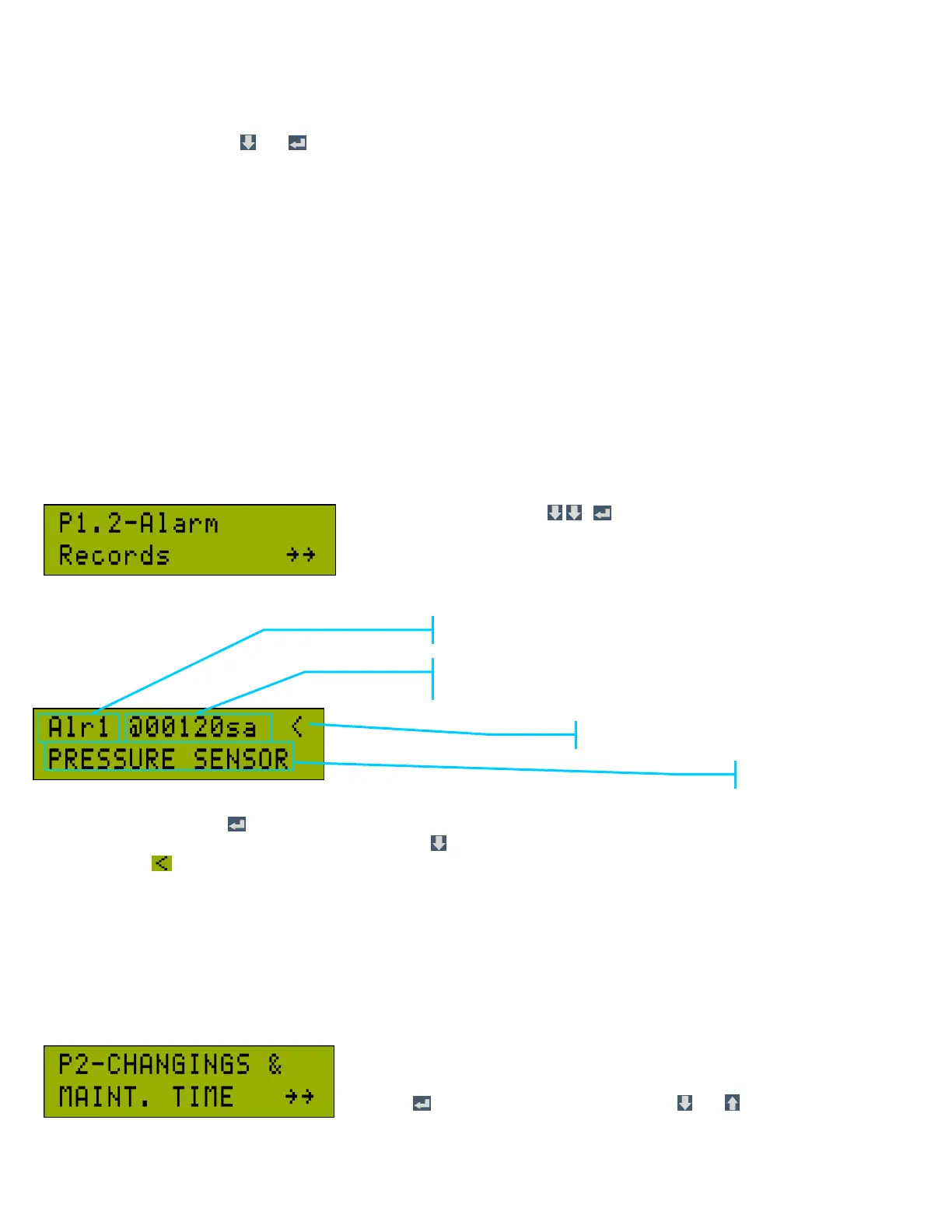
While in Alarm menu, press , , consecutively to go to alarm records.
CCS 3000 keeps record of the last 15 warning and trip alarms.
While in this screen, press button to view the record of the last alarms. Alr1 is the last alarm. The number of alarm index
increases as previous alarms are displayed. By pressing button, previous alarms are viewed. The alarm with the active
alarm indicator icon indicates that the alarm is still active. If this icon turns to “+” symbol, it indicates that the alarm has
been reset by the operator but the condition is still present. If this icon turns to “-“, it indicates that the alarm has not been
reset by the operator and the condition has disappeared.
3.b Changing & Maintenance Time Menu (P2)
It is the second heading in CCS 3000 menu. It is about general maintenance of
the compressor, and how much time remains to change bearing, oil, air filter, oil
filter. Total working hours and total loaded hours may also be viewed here by
pressing button first and then selecting with and buttons.



 To Next Page