2.c.2 Warning Display
When there is “High Temperature” warning, the temperature value on the right of the upper row in the LCD blinks to warn
the operator. The red LED indicator on the panel will also blink with 1 sec intervals.
When there is “High Pressure” warning, the pressure value on the left of the upper row in the LCD blinks to warn the
operator.
“Power Was Interrupted”” warning is automatically reset when the compressor is restarted.
2.c.3 Part Replacement & Maintenance Warning Display
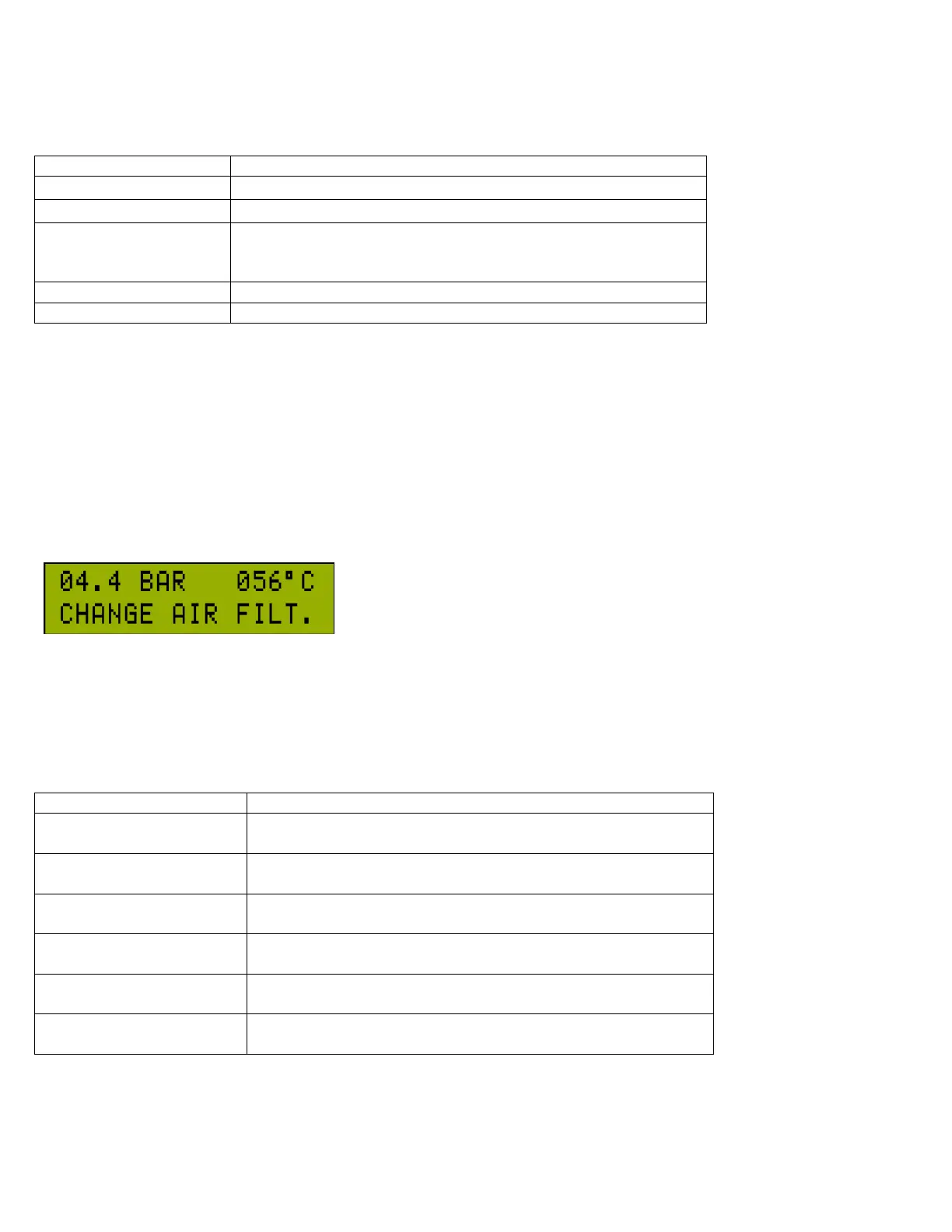
When any of Part Replacement & Maintenance remaining time is up, it
is time for the related maintenance. In that case, at every hour on the hour
when the compressor is running, the related maintenance is displayed on
the bottom line of the LCD. The failure/warning indicator LED blinks at
long intervals. To clear the warning, press any menu control button on CCS 3000 once. When a part replacement /
maintenance warning is given, the compressor manufacturer should be contacted. The remaining part replacement
/ maintenance remaining time can be seen on “P2-CHANGINGS & MAINT. TIME” screen.
There are 6 different warnings on Time to Part Replacement & Maintenance in CCS 3000.
The power supply to the device interrupted while the compressor
was running. Once the power returns the alarm will automatically
be reset and the compressor will return to normal operation.



 To Next Page