C146200300.fm
- 20 -
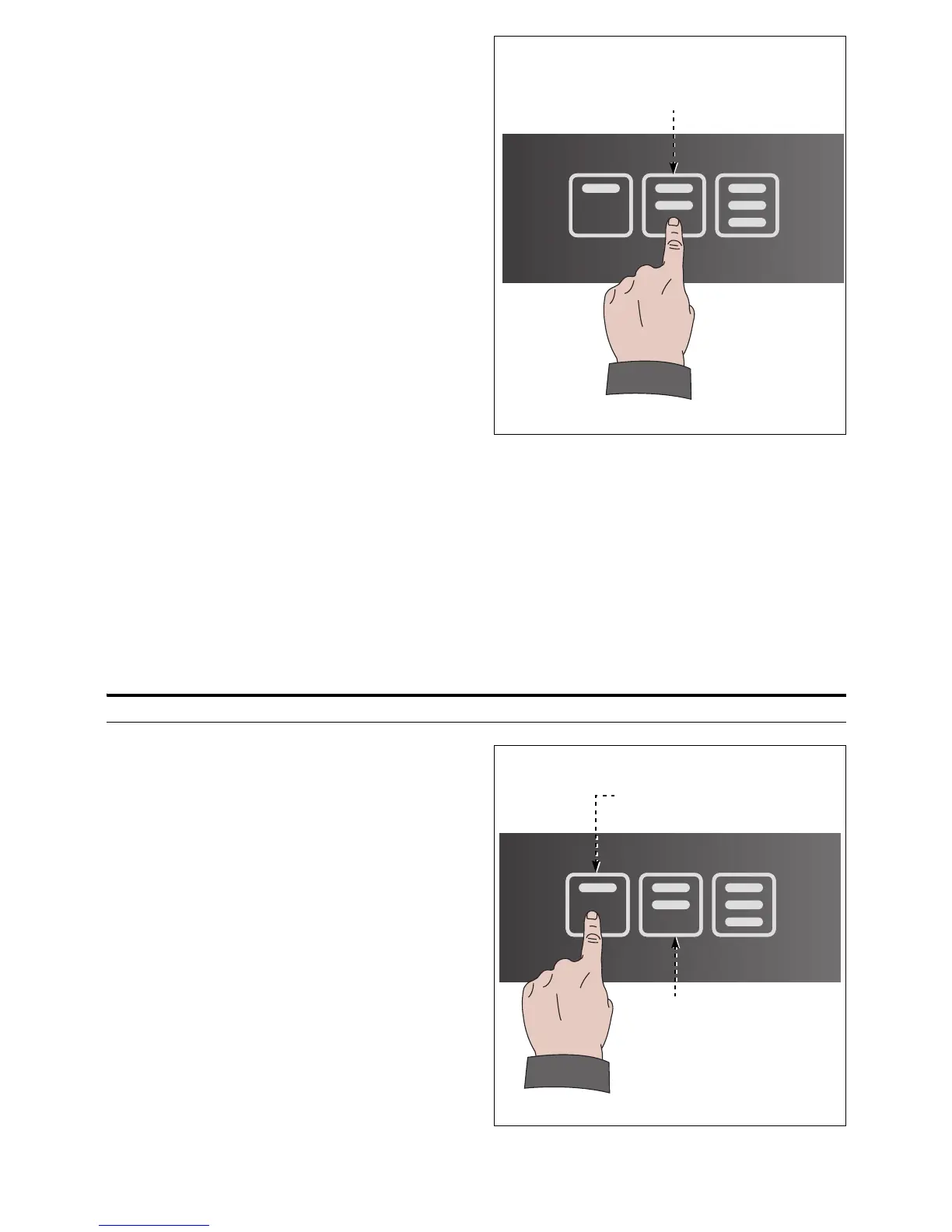
4. Touch the button (2) to raise the cylinder.
Bottle neck must properly fit the dispens-
ing tap adapter in order to avoid nitrogen/
argon leaks.
When the bottle is properly engaged, re-
lated buttons turn on.
5. Close the door.
VOLUME CONFIGURATION
Volumes can be configured as listed.
– Single configuration: procedure to individually setup volumes to be poured on each sin-
gle button, and for each single dispensing tap.
– Multiple configuration: procedure to setup volumes to be poured on each single tap that
will be copied onto same type buttons of remaining dispensing taps..
Single configuration
1. Quickly tap buttons (1-2) in sequence "1-
2-1" to start volume configuration proce-
dure.
Buttons start blinking.



 To Next Page