C146200300.fm
- 23 -
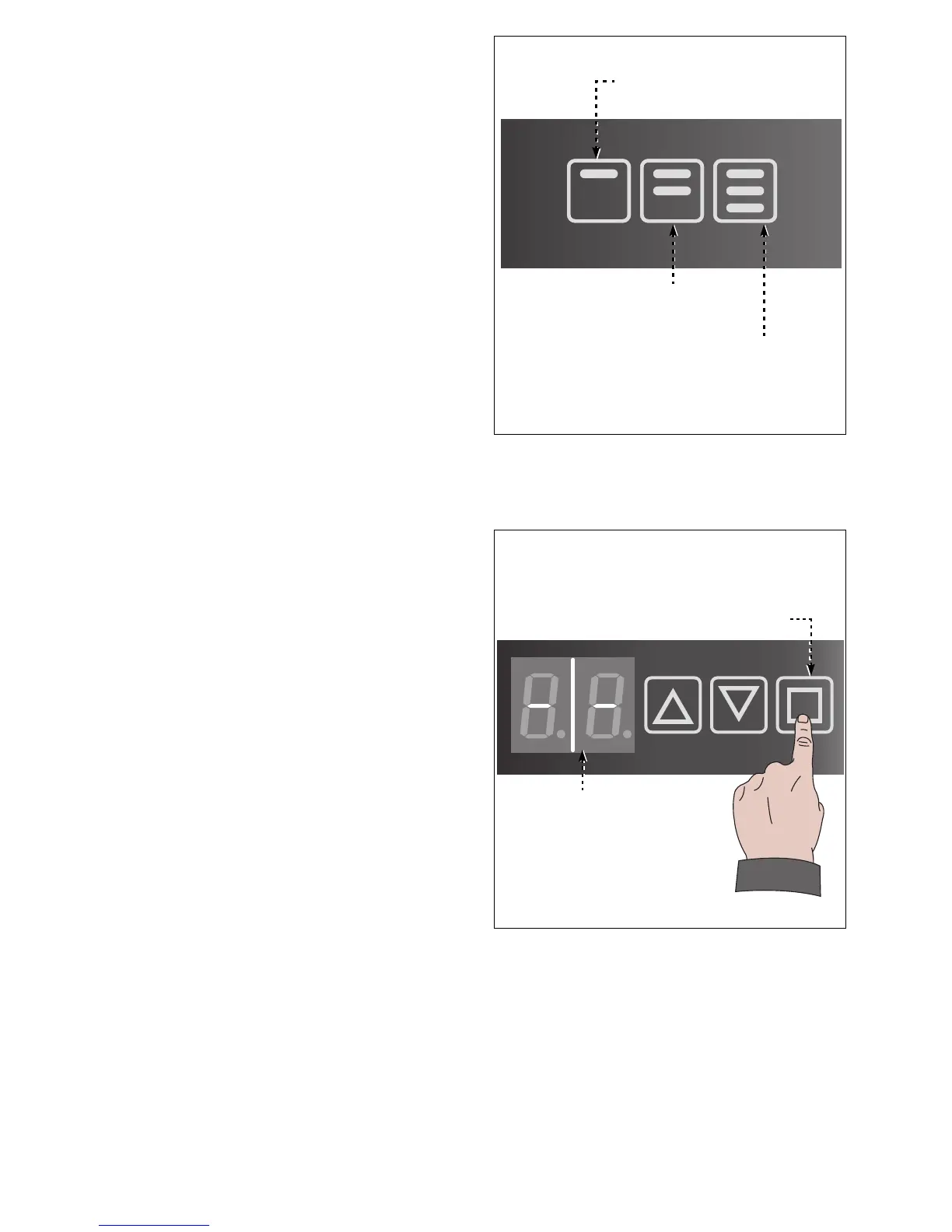
3. Touch desired buttons and release it
when poured wine has reached request-
ed quantity.
4. Complete the procedure on dispensing
tap remaining two buttons
Configuration will be automatically cop-
ied to all other dispensing taps buttons.
Time elapsing between different buttons
configuration can not be longer than 10
seconds.
If time is more than 10 seconds it is re-
quired to restart configuration procedure.
TEMPERATURE CONFIGURATION
Act as per instruction.
1. Touch the button (L). Display (M) will
show two hyphens.



 To Next Page