EasyManua.ls Logo

Enomatic Enoline 4 Smart - Page 26

Default Icon
36 pages
Print Icon
To Next Page IconTo Next Page
To Previous Page IconTo Previous Page
Loading...
C146200300.fm
- 24 -
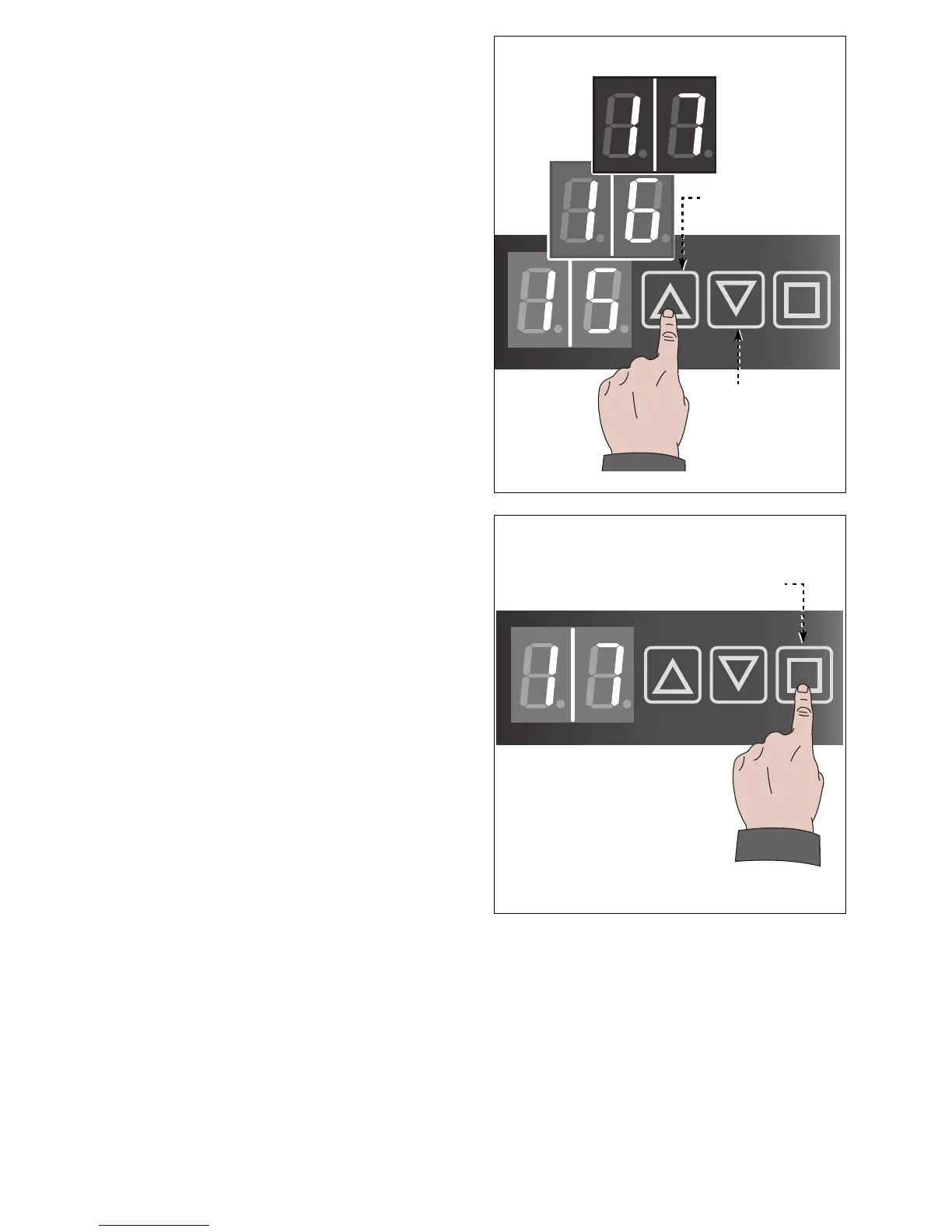
2. Touch one of buttons (N-P) to increase or
decrease the temperature.
3. Touch the button (L) to confirm the value.
Bottles chamber will be kept at setup tem-
perature.
Bottles must be quickly removed and en-
gaged to reduce cooled air waste.

IDM-46200301300.pdf
Button (P)
Button (N)
IDM-46200301400.pdf
Button (L)

Related product manuals