19
ENTR® Dead Bolt User Manual
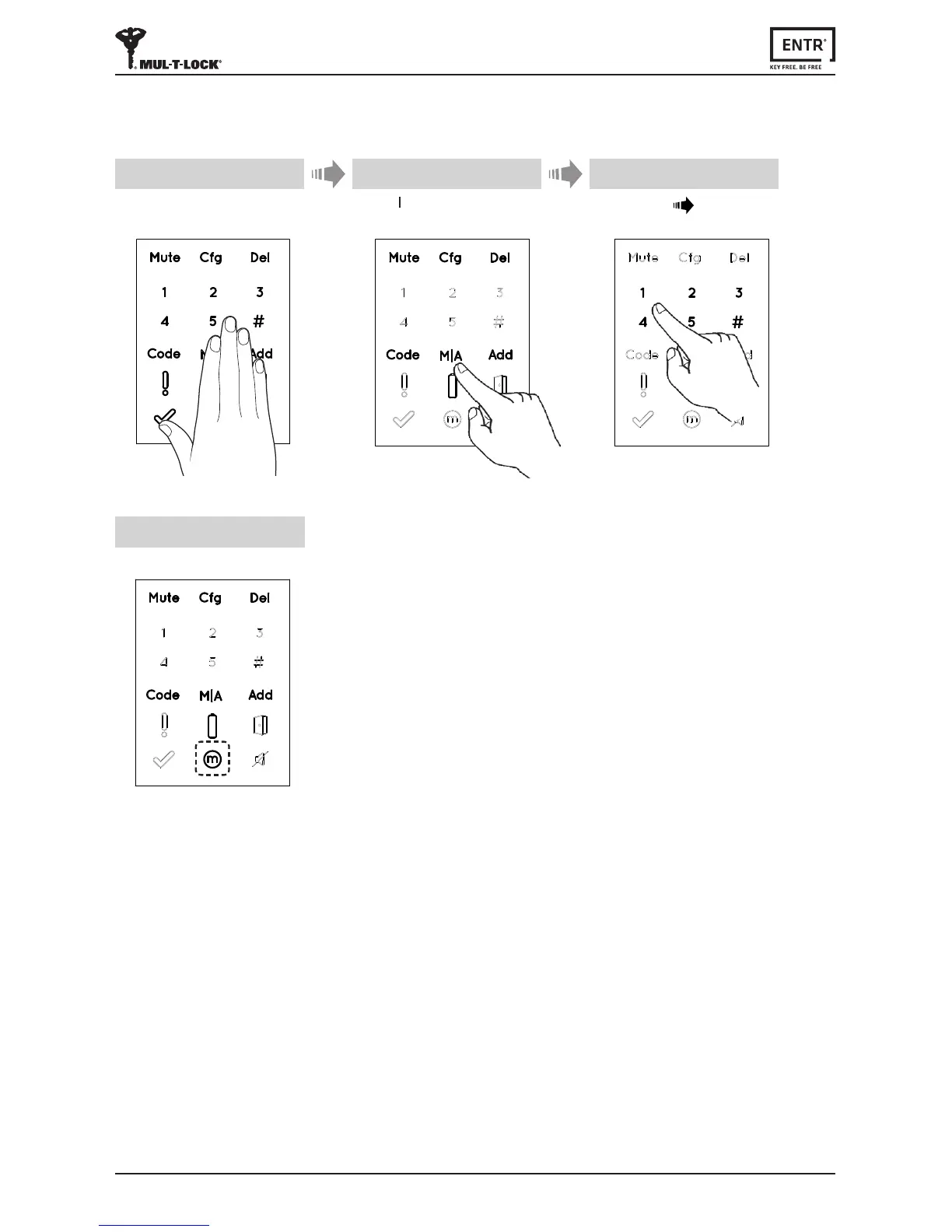
3.6 Seng Locking Mode
TogglebetweenAutomac to Manuallockingmode
Notes:
• SengtheENTR®locktoManualwilldisableautomaclocking.
• FollowthesameproceduretosettheENTR®locktoAutomac locking.
1 2
[Manual]indicaonilluminated.
4
Touchscreenwithpalmorngersfor
3secondstoacve.
Press [M A]
Type [PIN code] [#]
3



 To Next Page