31
ENTR® Dead Bolt User Manual
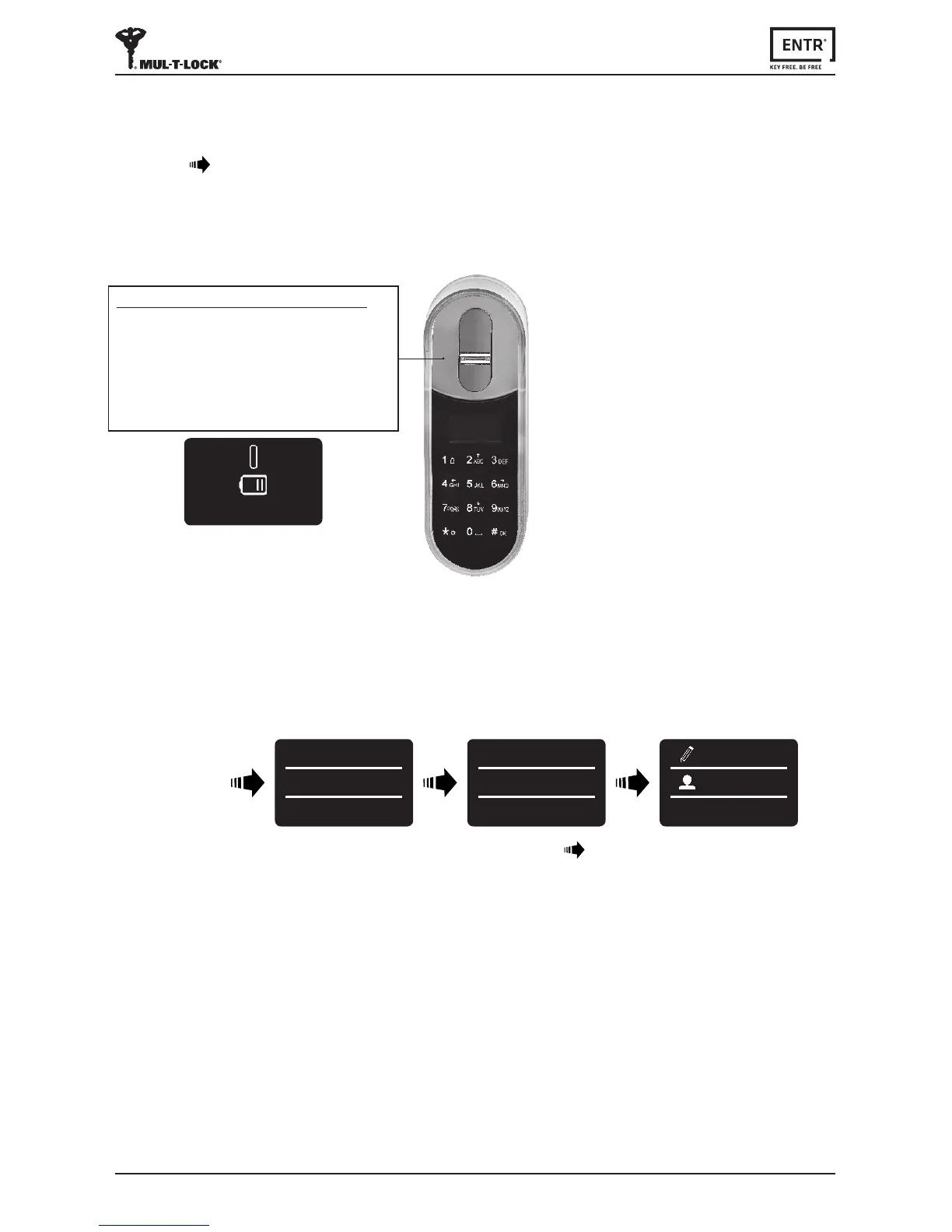
6.7 Low Baery Indicaon
Warningsignalblinking.
TouchtheFingerprintTouchpad.
Press [1] [#]
6.6 Lock the Door
FingerprintReaderlowbaeryindicaon
RedLEDilluminatefor1saerwake-up,
2longbeepsemied.
BATTERY LOW
6.8 Seng Menu
Touch screen
Press [
*
]
USER CODE
23:49 03/01
MASTER CODE
******
23:49 03/01
SETTING
USERS
Enter [Master PIN code] [OK] or
swipengeroverngerprintscanner



 To Next Page