10
ENTR® Dead Bolt User Manual
• TurningtheENTR®lockON or OFF.
2.3.1 Switching the ENTR® ON
BeforeturningENTR® ON, verify that the
door is shut.
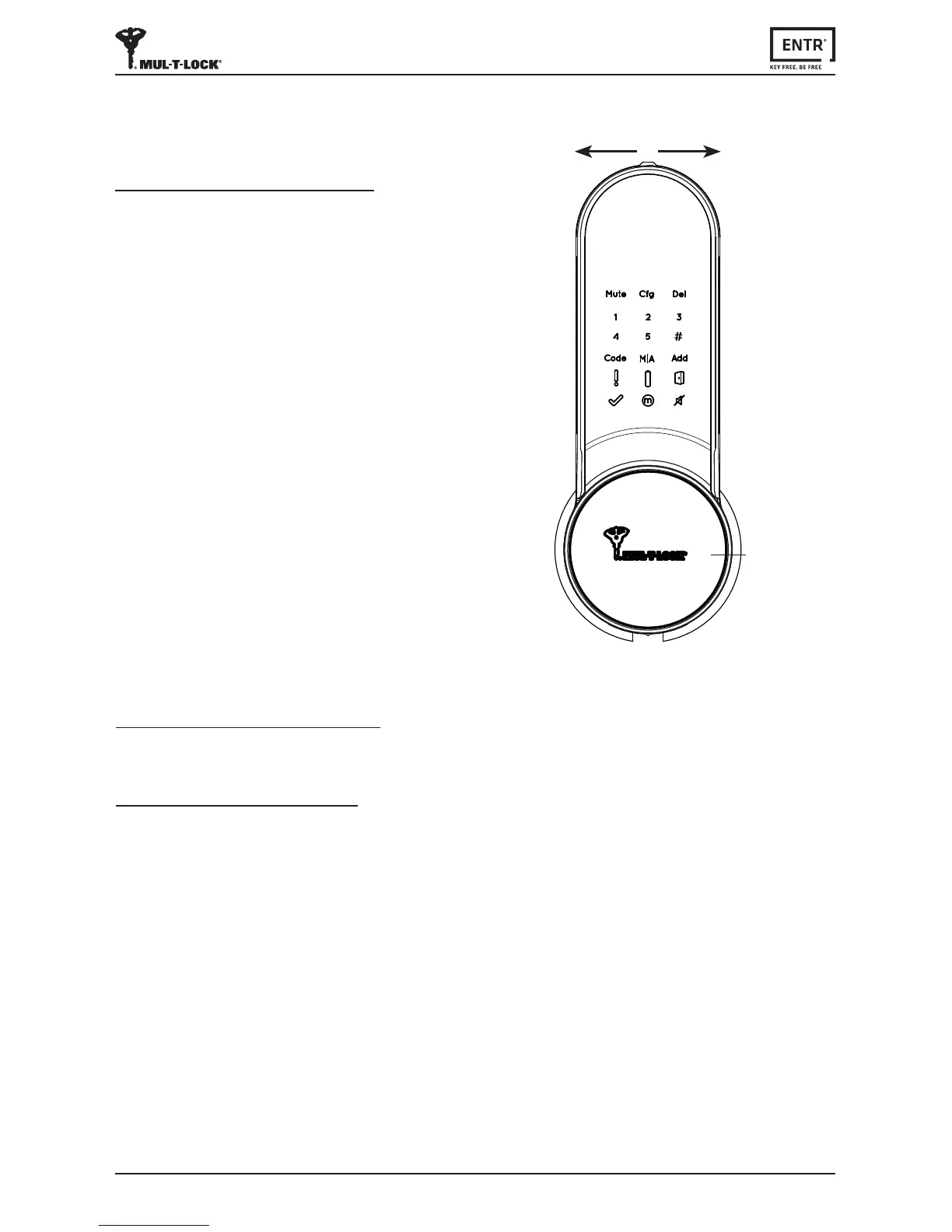
• Move the switch to the ONposion.
Make sure that the knob is in the zero
posion(seeillustraon).
• Funconandnumericbuonswillall
blink once.
• Hazardbeepsoundwillbeemiedand
errorindicaonwillblinkonce.
• ENTR®isnowinoperang mode.
Note:
• AerturningENTR®ON,avoidtouching
thefrontpanelunlbeepsoundends.
• AerturningENTR®ON,thedoorwillbe
shut but not locked.
2.3 ON/OFF Switch
2.3.2 Switching the ENTR® OFF
• Move the switch to OFFposion.
2.3.3 Low baery indicaon
Baeryredsignalrapidlyblinkingand2longbeepswillbesoundedduringevery
lock/unlockacon,indicangthatthebaeryislowandneedstobecharged.
OFF ON
•
Zeroposion



 To Next Page